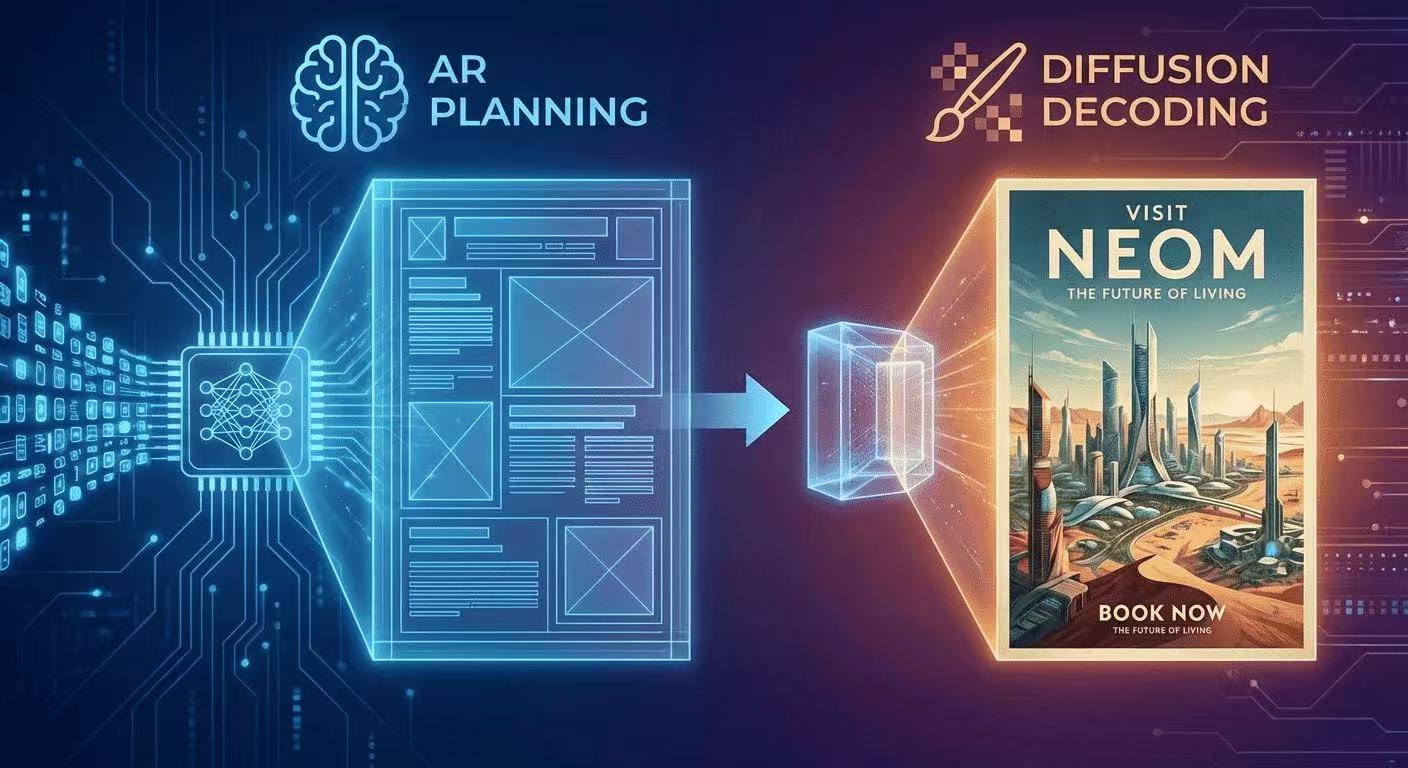
The AR + Diffusion Hybrid Explained (With Diagrams)
GLM-Image uses autoregressive planning for layout + diffusion decoding for pixel fidelity. Here's the intuition, diagrams, and what it means for text rendering.
GLM-Image uses autoregressive planning for layout + diffusion decoding for pixel fidelity. Here's the intuition, diagrams, and what it means for text rendering.
The intuition: "plan first, render second"
GLM-Image's core design is:
- Autoregressive (AR) stage: generates a compact plan of the image in tokens
- Diffusion decoder: converts that plan into high-fidelity pixels (Z.ai)
This is one reason it can keep layout + typography more consistent than diffusion-only approaches.
Diagram 1: What diffusion-only does
Text prompt
   |
Noise  -> denoise -> denoise -> denoise -> image
         (20–50 steps)
Diffusion denoises the whole canvas repeatedly. Great for texture, weaker for exact letter shapes.
Diagram 2: What GLM-Image does
Text prompt
   |
[AR Planner] -> "layout + meaning tokens"
   |
[Diffusion Decoder] -> pixels
The AR stage is based on a large model initialized from GLM-4-9B-0414 (9B params), and the decoder is a 7B DiT-style diffusion module. (Z.ai)
The token story (why "256 → 4K" matters)
GLM-Image first generates ~256 tokens, then expands to 1K–4K tokens, which correspond to higher-resolution outputs. (GitHub) That expansion is a big part of why it handles complex structured content (posters, menus, infographics).
Why this helps with text
Text rendering is a global constraint:
- letter consistency across a word
- alignment across a column
- spacing across the layout
Planning in tokens first makes those constraints easier to satisfy than trying to "emerge" them from denoising noise.
Practical takeaway for prompt writers
Describe layout zones explicitly:
- "top headline"
- "center hero image"
- "bottom footer bar" …and include the exact required text in quotes. (GitHub)
More Posts
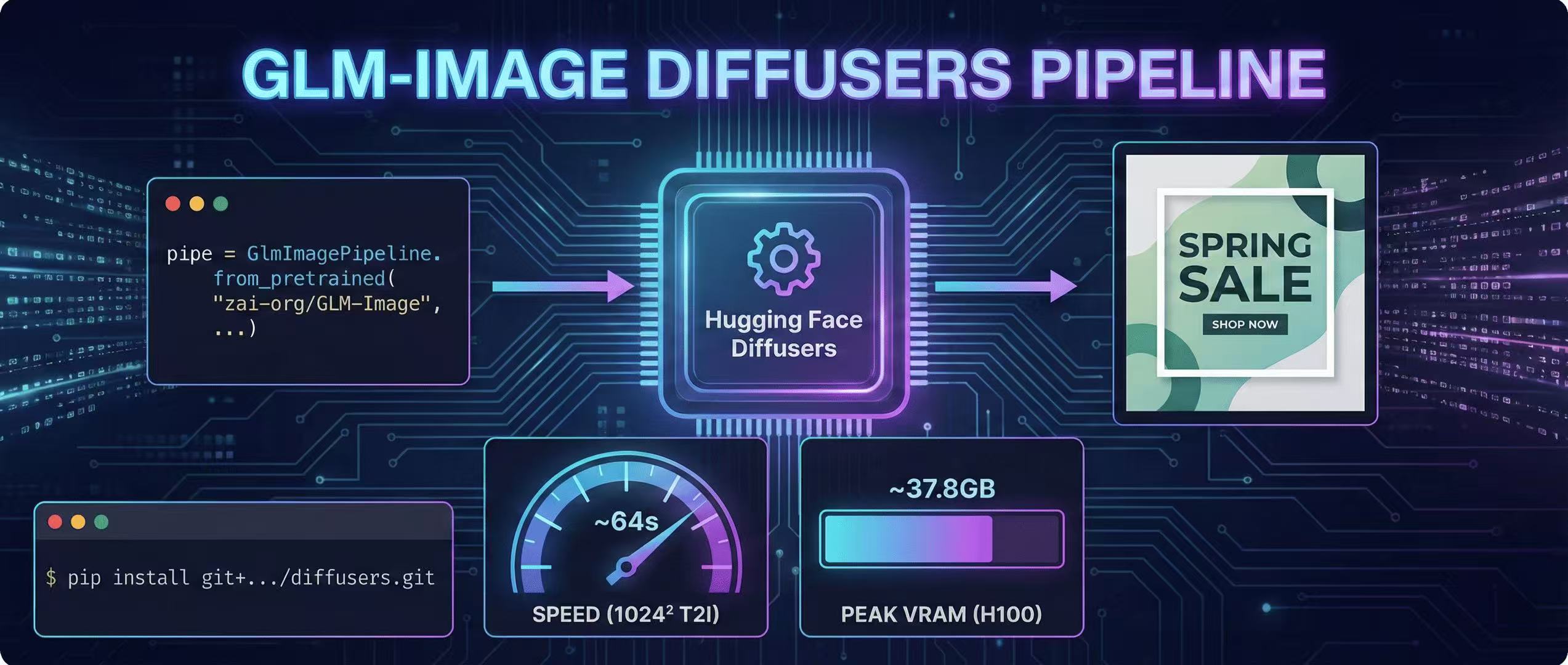
Diffusers Pipeline Walkthrough + Speed/VRAM Notes
A step-by-step GLM-Image guide using Hugging Face Diffusers, including install, code, and real VRAM/time estimates.
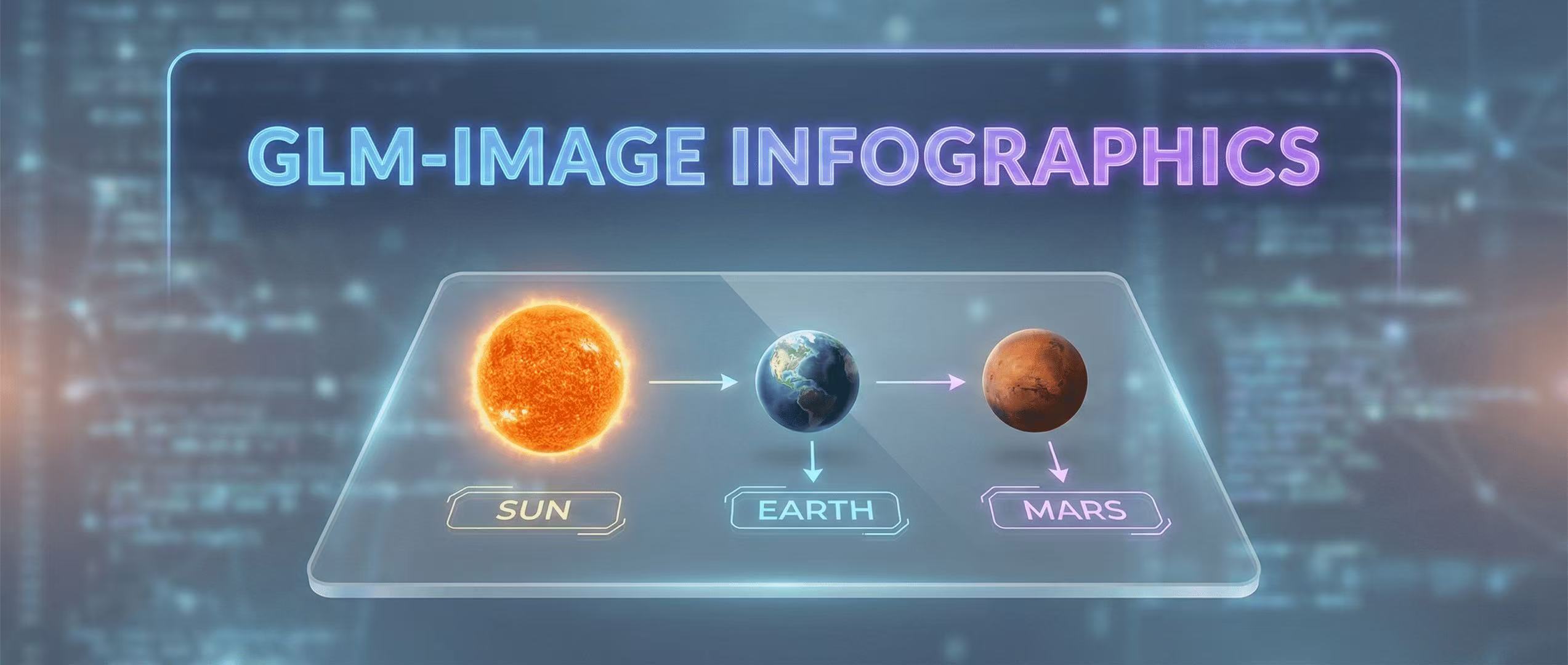
Educational Infographics: Visualizing Data with GLM-Image
How to create complex educational visuals that require precise labels and layout logic.
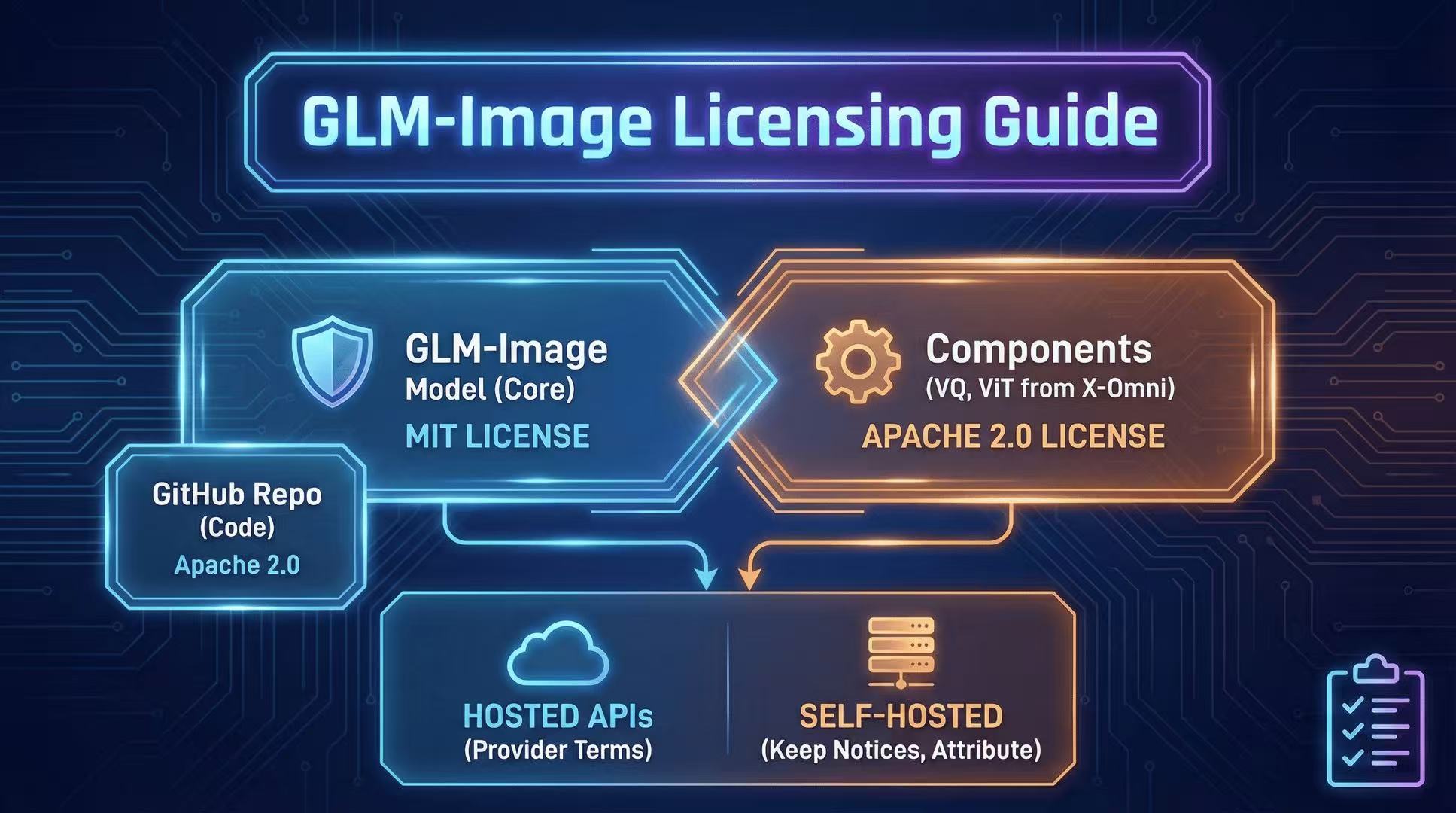
License & Commercial Use: MIT + Component Licenses Explained
GLM-Image licensing can be confusing. Here's a practical breakdown of MIT for the overall model, plus Apache-2.0 licensed components you must respect.