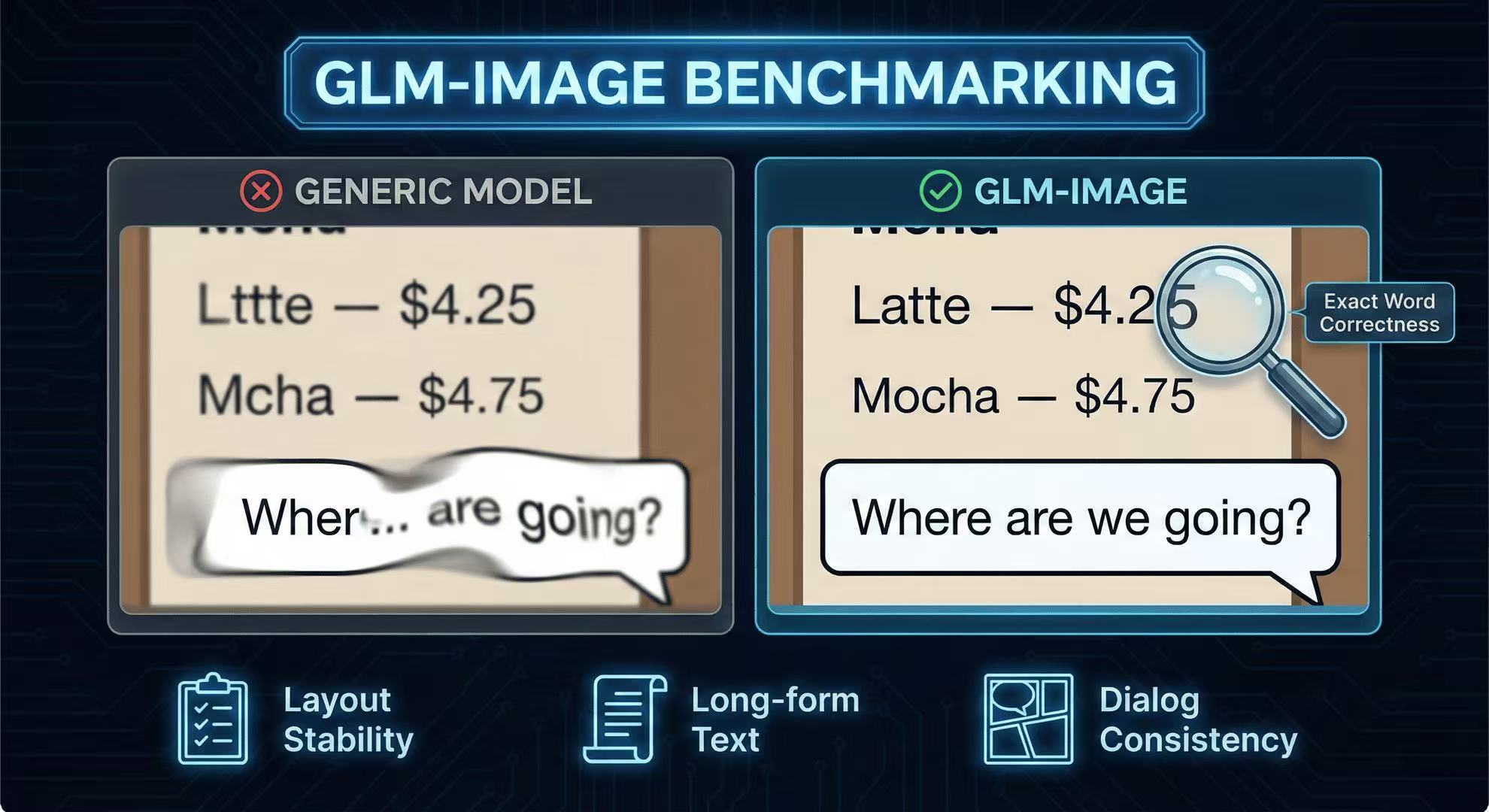
Benchmark Replication: CVTG-2K-Style Cases + Downloadable Prompts
Recreate the key “text-in-image” tests (CVTG-2K style) with prompts you can copy, run, and compare across models.
What you're trying to measure
You're not measuring "beauty." You're measuring:
- exact word correctness
- layout stability across multiple text regions
- long-form text consistency
The GLM-Image repo reports CVTG-2K Word Accuracy 0.9116 and LongText-Bench metrics, positioning it strongly on text rendering. (GitHub)
The test suite (12 prompts)
Copy these prompts and run them across models.
A) Multi-region ad (3 regions)
Ad layout with three text areas. Top headline: "NEW SEASON ARRIVALS". Center badge: "UP TO 40% OFF". Bottom CTA: "SHOP NOW". Clean kerning, aligned baselines, no typos.
B) Price grid (menus)
Two-column menu with right-aligned prices: "Latte — $4.25", "Mocha — $4.75", "Tea — $3.00", "Croissant — $3.50". No extra items.
C) Long paragraph (hard mode)
A poster with a text block that must be readable: "This weekend only: free shipping on all orders over $50. Limited quantities available. Terms apply." Ensure every word is correct and not distorted.
D) Dialog bubbles
Comic panel with two speech bubbles. Bubble 1: "Where are we going?" Bubble 2: "Downtown, five minutes." Keep punctuation correct.
(…you can extend this set to 30–50 items and make a downloadable prompt pack on your site.)
How to publish results (SEO-friendly)
- One page per benchmark category (Ads / Menus / LongText / Dialog)
- Each page: Prompt, parameters, output, error analysis, comparison charts
More Posts
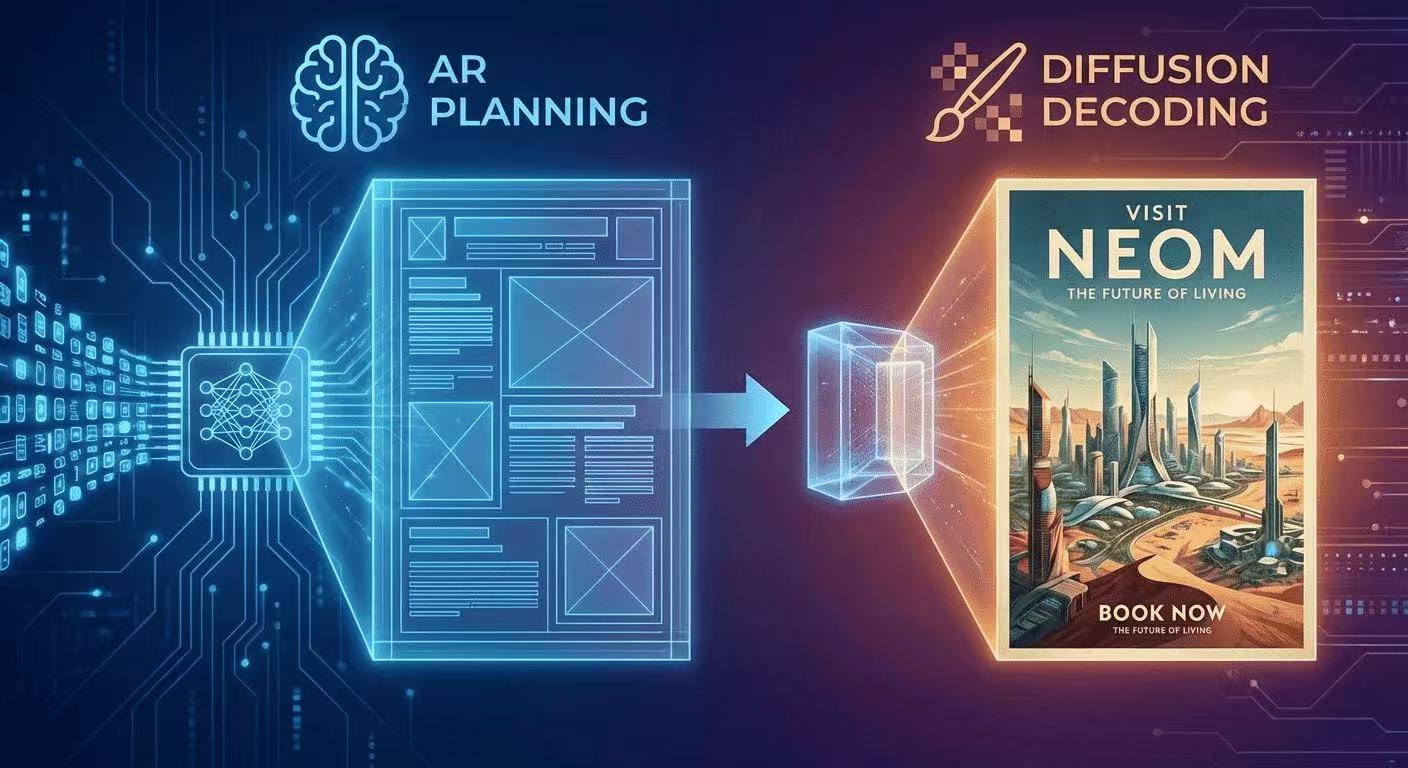
The AR + Diffusion Hybrid Explained (With Diagrams)
GLM-Image uses autoregressive planning for layout + diffusion decoding for pixel fidelity. Here's the intuition, diagrams, and what it means for text rendering.

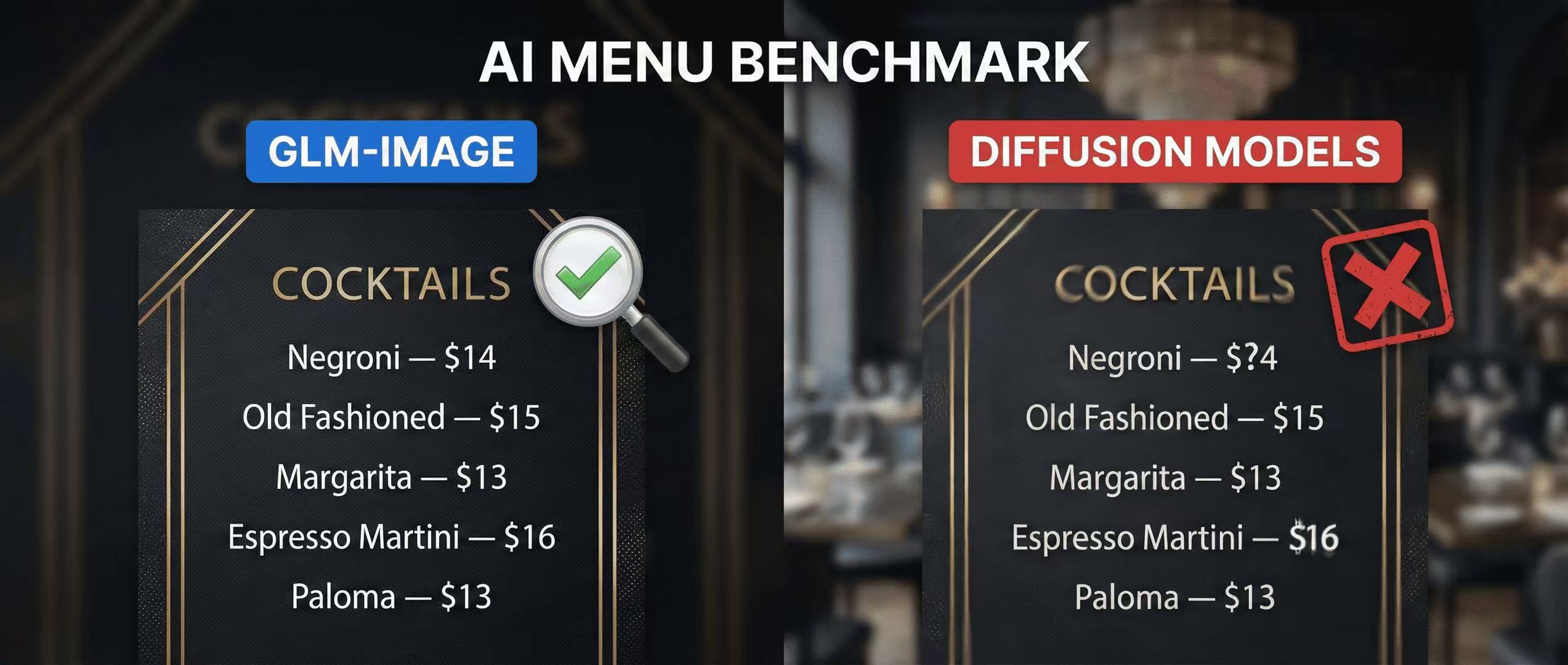
Menu Test: Why GLM-Image Beats Diffusion Models at Legible Pricing
A practical menu benchmark you can run at home—testing price readability, alignment, and typography using GLM-Image with a clear scoring rubric.
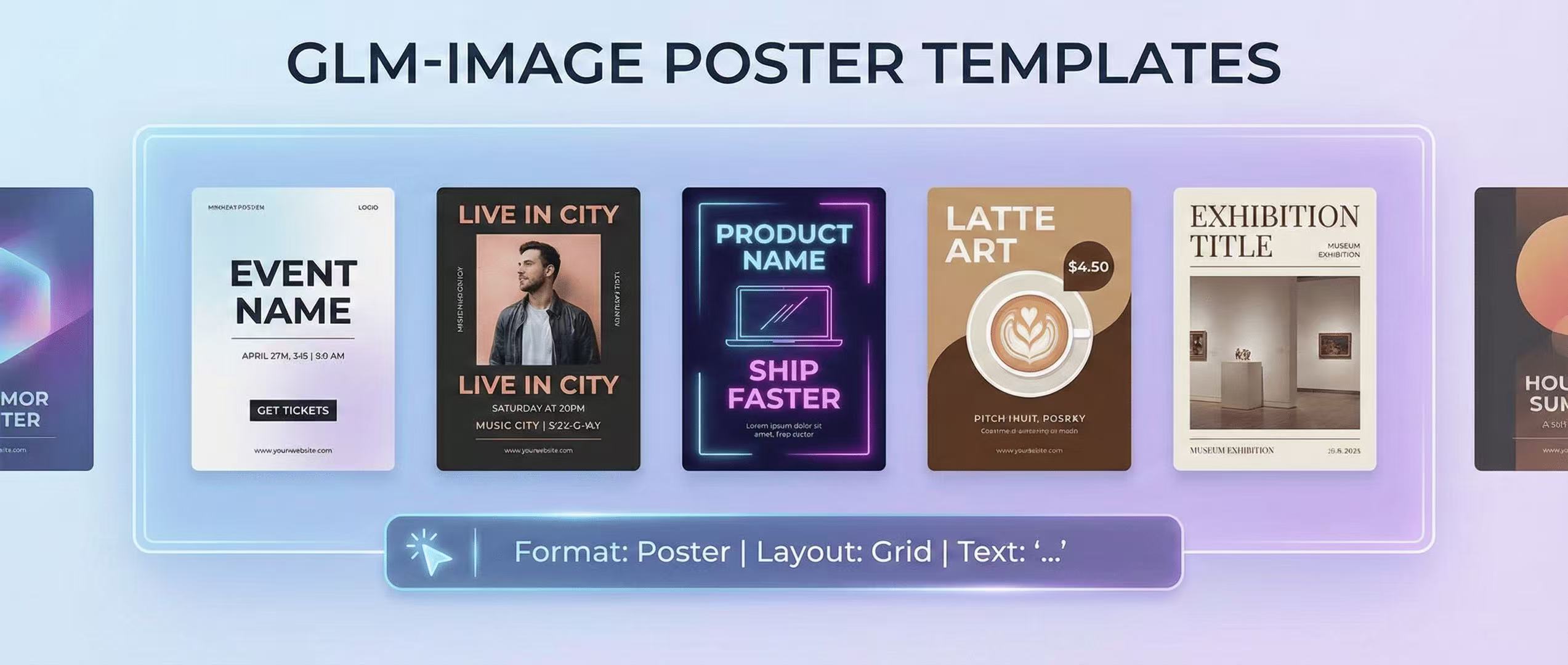
GLM-Image for Posters: 10 Prompt Templates That Actually Render Text
A practical prompt library for poster design with legible typography using GLM-Image—layout recipes, font controls, and 10 copy-paste templates.