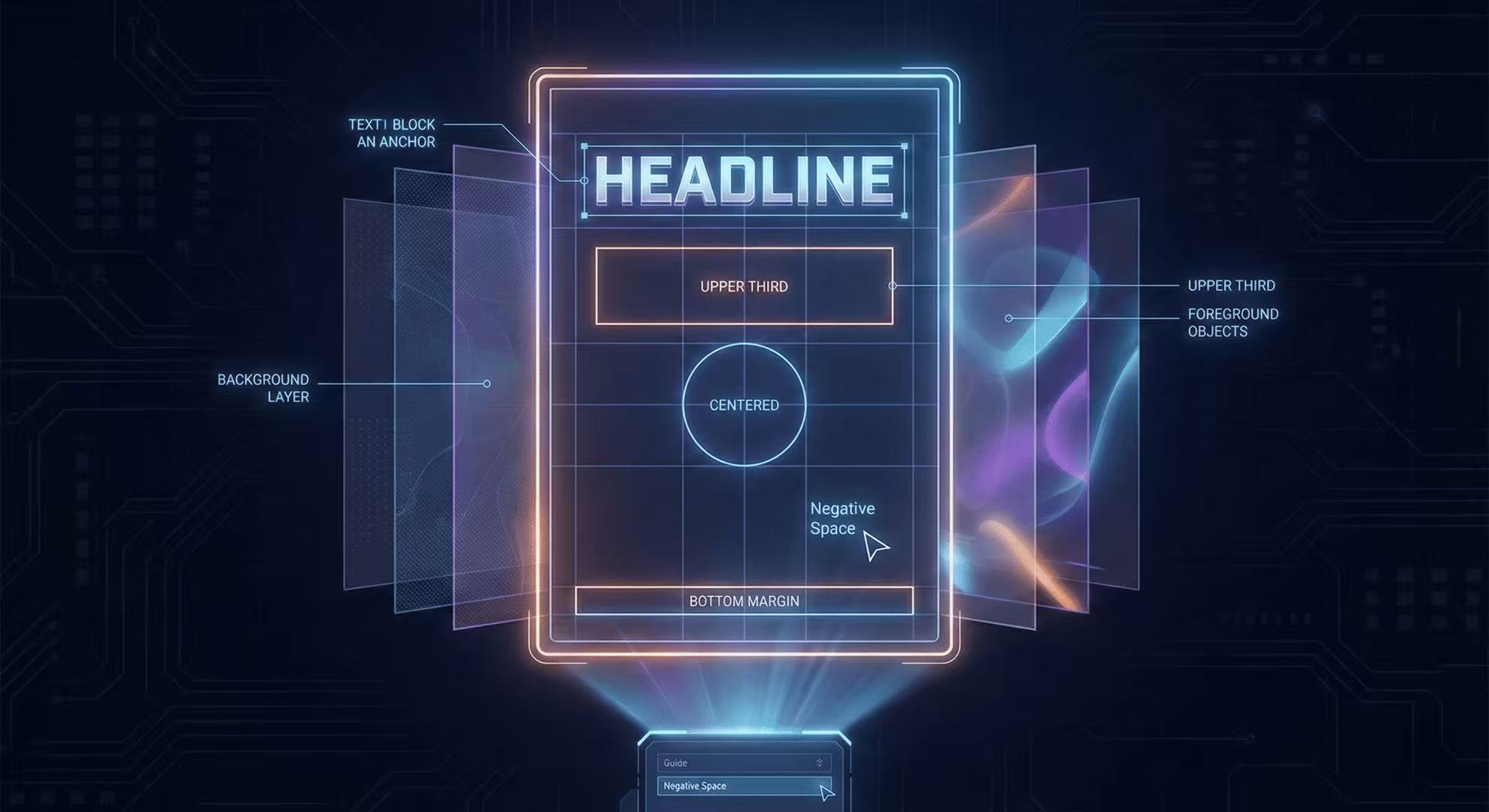
Mastering the AR Stage: 5 Tips for Complex Poster Layouts
How to use spatial prompts to guide the GLM-Image autoregressive planner for professional grade posters.
Layout is the backbone of any design. GLM-Image's unique architecture allows for precise control over where elements land.
1. Use Geometric Hints
Keywords like "centered", "upper third", and "bottom margin" are heavily weighted by the AR stage.
2. Anchor with Text
Always start your prompt with the main headline. The AR stage uses text as an anchor for the rest of the composition.
3. Symmetry vs. Chaos
If you want a balanced look, explicitly mention "symmetrical layout".
4. Negative Space
Mentioning "clean margins" helps the model understand not to crowd the edges.
5. Layering
Describe the "background layer" and "foreground objects" separately to help the depth mapping.
Author
Categories
More Posts
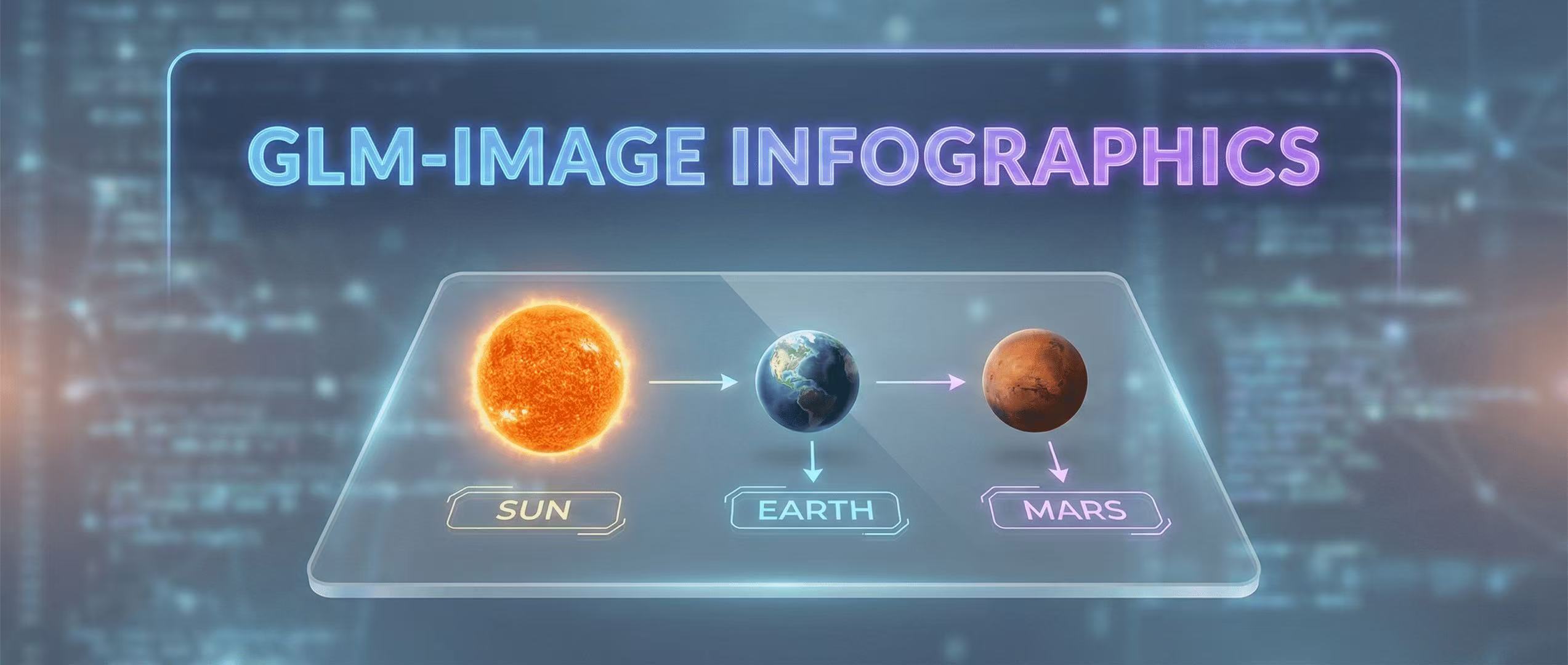
Educational Infographics: Visualizing Data with GLM-Image
How to create complex educational visuals that require precise labels and layout logic.
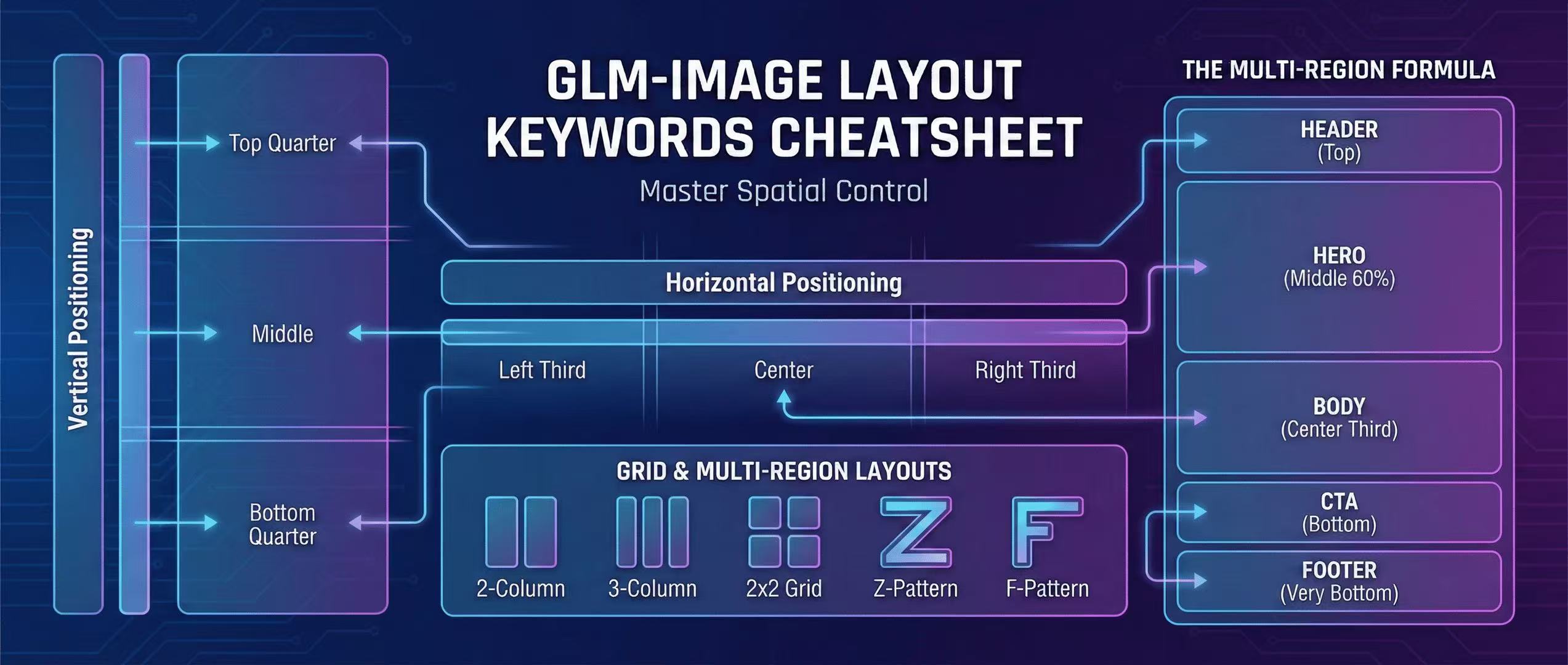
GLM-Image Layout Keywords Cheatsheet: Master Spatial Control in Prompts
Complete guide to layout keywords for GLM-Image: left, center, right, grid, multi-region layouts. 10+ copy-paste templates for headers, heroes, bodies, CTAs, and footers.

Z.ai API Quick Start + Parameter Cheatsheet
Generating images via GLM-Image using the official Z.ai API—includes curl and Python examples, sizing rules, quality modes, and best practices.