2026/01/23
Prompting for Professional Menus: GLM-Image vs Ordinary Models
Creating legible, high-contrast menus for restaurants and cafes using GLM-Image's text layout capabilities.
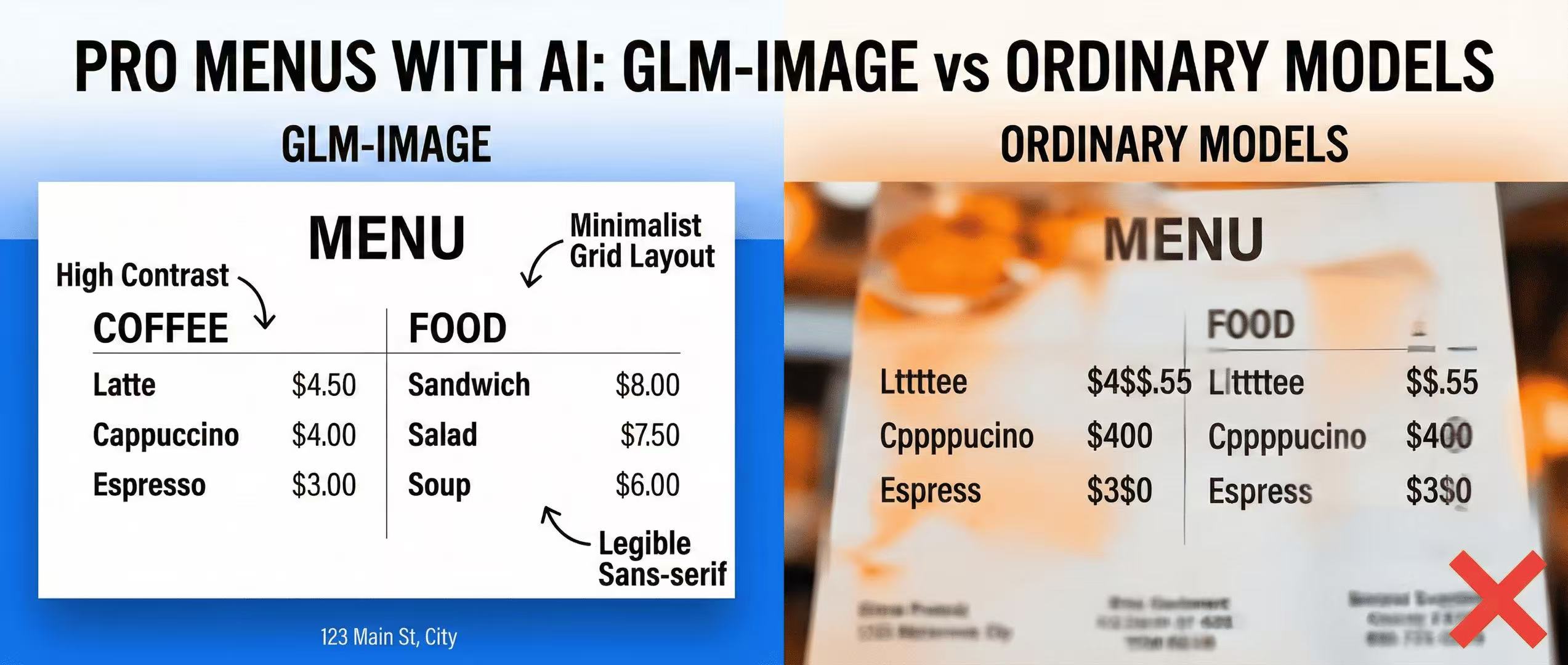
When designing a menu, the most important factor is legibility.
The Challenge
Most AI models fail at columns and pricing. "Latte $4.50" often turns into "Lttttee $4$$.55".
The Blueprint
With GLM-Image, you can specify the structure:
- "Coffee section on the left"
- "Food section on the right"
- "Footer with address"
Key Prompt Keywords:
high contrast typographyminimalist grid layoutlegible sans-serif font
More Posts

fal.ai Hosted GLM-Image: Production Integration Checklist
Deploy GLM-Image without managing GPUs—fal.ai API examples, latency considerations, and a production checklist.

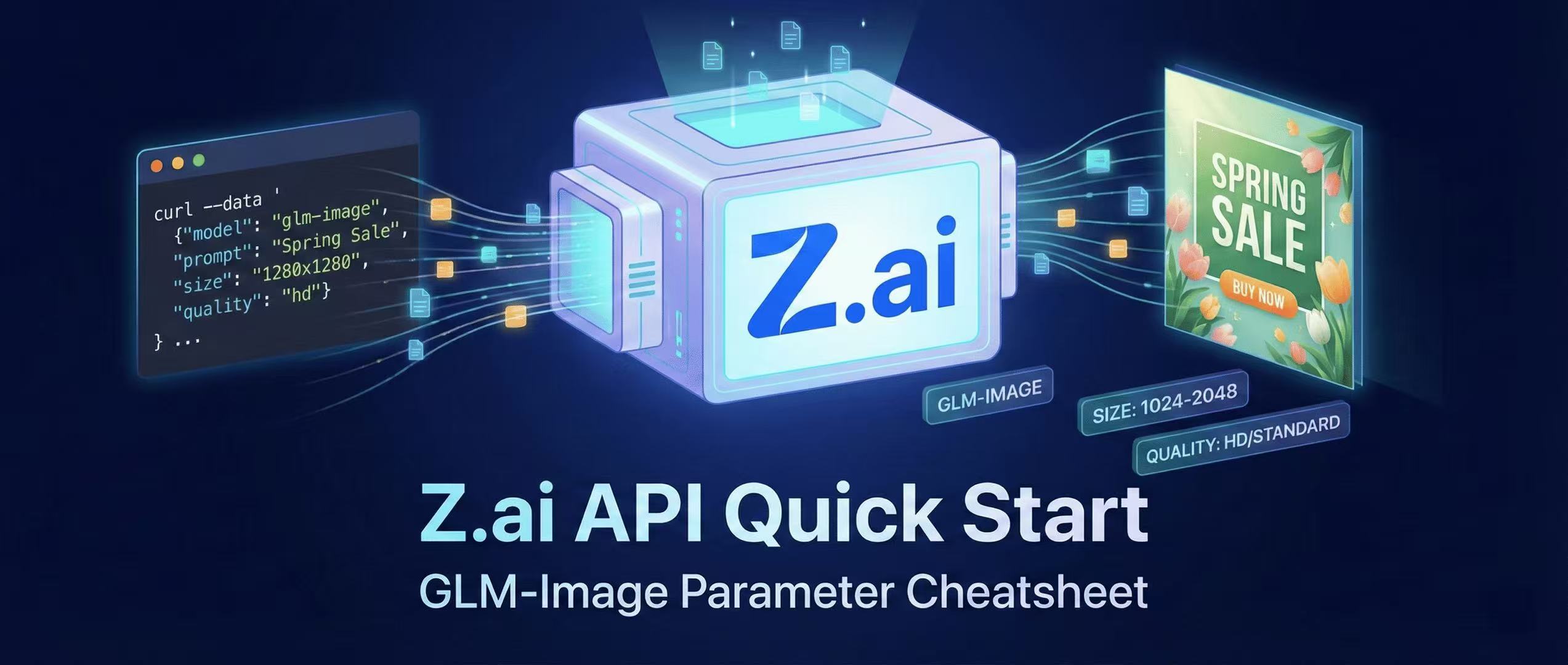
Z.ai API Quick Start + Parameter Cheatsheet
Generating images via GLM-Image using the official Z.ai API—includes curl and Python examples, sizing rules, quality modes, and best practices.
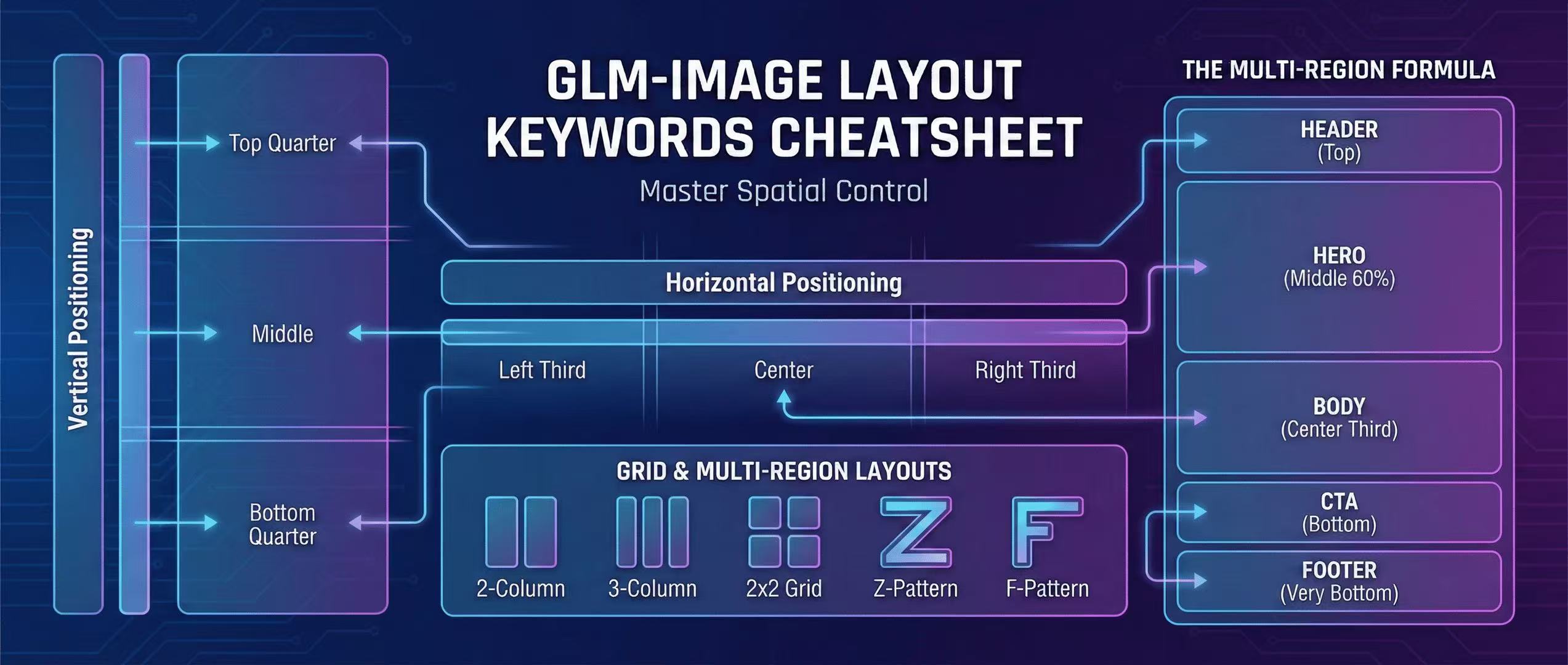
GLM-Image Layout Keywords Cheatsheet: Master Spatial Control in Prompts
Complete guide to layout keywords for GLM-Image: left, center, right, grid, multi-region layouts. 10+ copy-paste templates for headers, heroes, bodies, CTAs, and footers.