2026/01/11
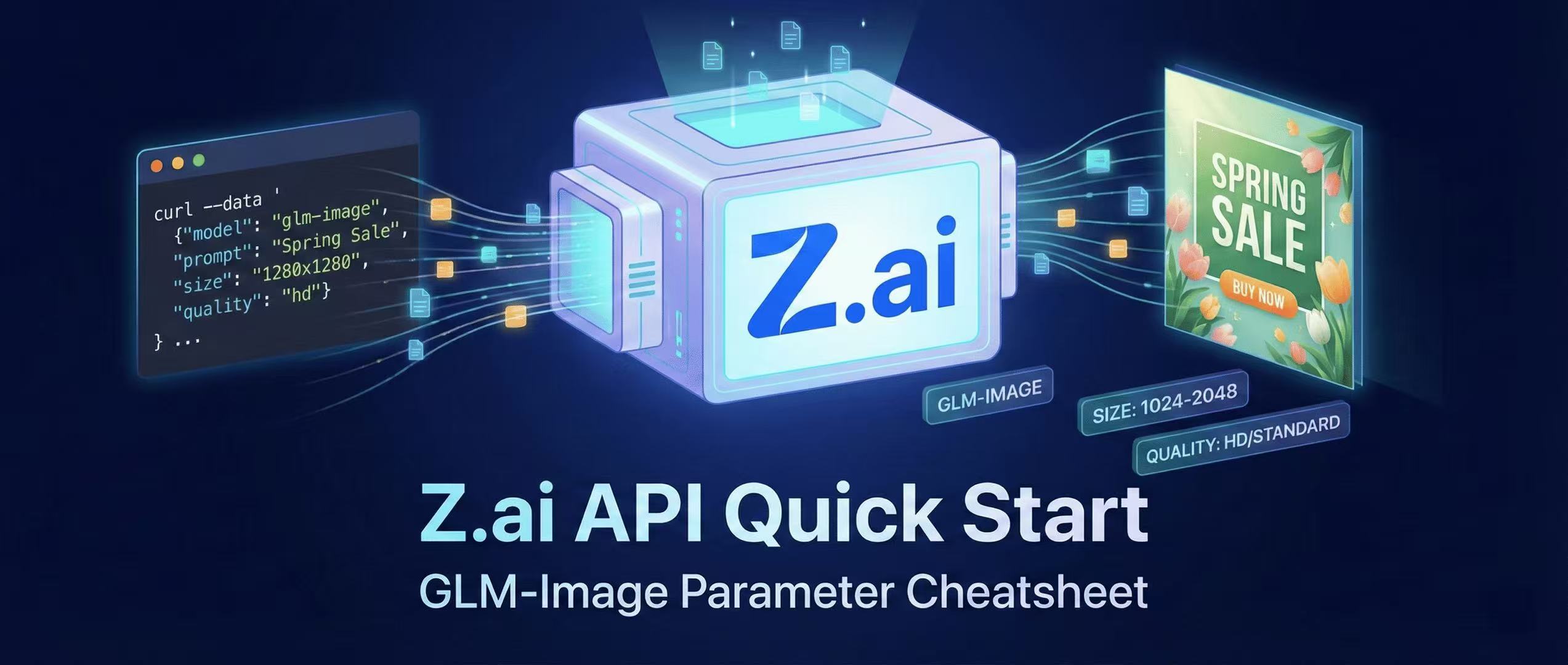
Z.ai API Quick Start + Parameter Cheatsheet
Generating images via GLM-Image using the official Z.ai API—includes curl and Python examples, sizing rules, quality modes, and best practices.
Endpoint and Minimal curl Request
The Z.ai image generation endpoint is:
POST https://api.z.ai/api/paas/v4/images/generations (Z.AI)
curl --request POST \
  --url https://api.z.ai/api/paas/v4/images/generations \
  --header 'Authorization: Bearer YOUR_TOKEN' \
  --header 'Content-Type: application/json' \
  --data '{
    "model": "glm-image",
    "prompt": "A clean poster with Headline Spring Sale and CTA Buy Now",
    "size": "1280x1280",
    "quality": "hd"
  }'
The response returns a downloadable image URL. (Z.AI)
Parameter Cheatsheet (Most Used)
model
"glm-image"(Z.AI)
size
- e.g.,
1280x1280(Z.AI) - Custom Sizing: Width/Height should be between 1024–2048 and multiples of 32 based on API references. (Z.AI)
quality
hd(more detail, slower ~20s)standard(faster ~5-10s) (Z.AI)
Production Tips
- Validate
sizeon your server-side (range + divisibility by 32). - Implement retries for transient failures.
- Store the returned URL or download immediately for CDN/cache.
More Posts
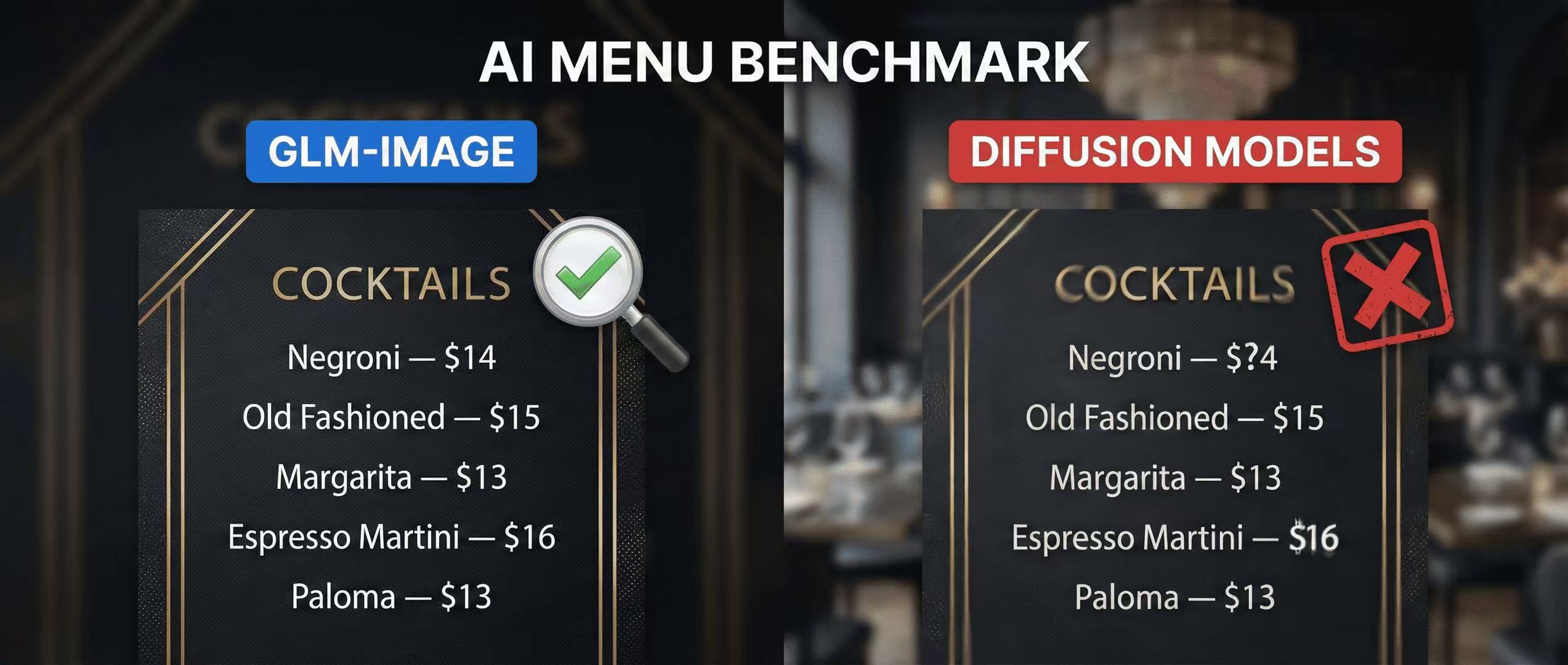
Menu Test: Why GLM-Image Beats Diffusion Models at Legible Pricing
A practical menu benchmark you can run at home—testing price readability, alignment, and typography using GLM-Image with a clear scoring rubric.
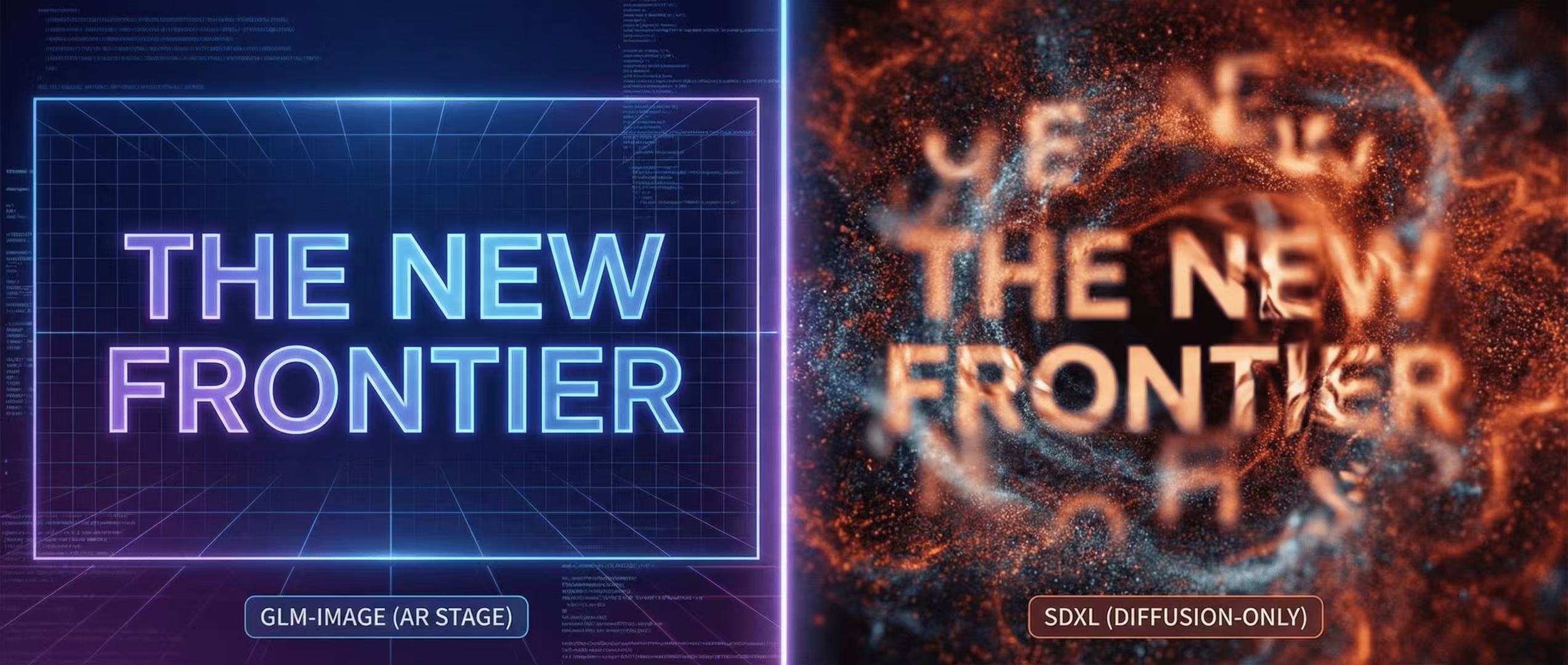
GLM-Image vs SDXL: Why Text Rendering is the New Frontier
A side-by-side comparison of text fidelity in complex layout generation. See why GLM-Image's AR stage outperforms traditional diffusion-only models.

fal.ai Hosted GLM-Image: Production Integration Checklist
Deploy GLM-Image without managing GPUs—fal.ai API examples, latency considerations, and a production checklist.