Transformers AR Stage Deep Dive: What Are the 256→4K Tokens?
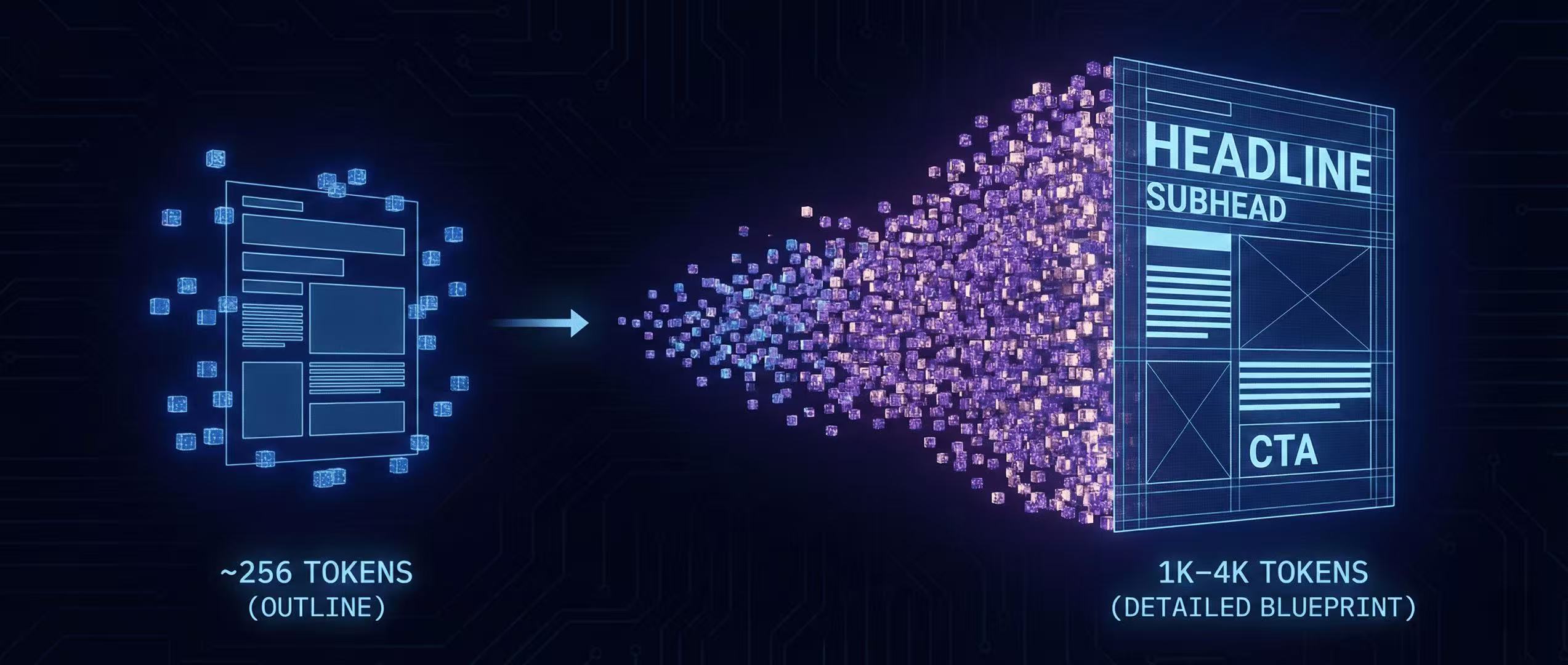
GLM-Image generates image tokens autoregressively—starting from ~256 tokens and expanding to 1K–4K. Here's what that means for layouts, typography, and control.
The two-stage token plan
GLM-Image's AR generator (initialized from GLM-4-9B-0414) produces:
- a compact encoding (~256 tokens)
- then expands to 1K–4K tokens tied to high-res outputs (GitHub)
Think of it as: outline → detailed blueprint.
Why token expansion helps typography
Typography needs:
- consistent strokes across letters
- consistent spacing across words
- consistent alignment across blocks
A “blueprint” stage can reserve space for text blocks and maintain hierarchy (headline > subhead > body).
What you can control (as a user)
You don't directly edit these tokens in most workflows. But you do influence them via:
- explicit layout instructions
- clear hierarchy language
- exact quoted text (GitHub)
- limiting each block to a reasonable length
A “token-friendly” layout prompt
Use numbered blocks to force structure:
Poster layout with four zones: (1) Top headline: "[HEADLINE]" (2) Subheadline: "[SUBHEAD]" (3) Center image: [describe subject] (4) Footer bar: "[CTA]" and "[URL]" Use clean alignment, consistent kerning, no typos.
Debugging when AR “wanders”
If the model adds extra words:
- reduce creative adjectives
- re-assert “exactly this text and nothing else”
- shorten the text per block
More Posts
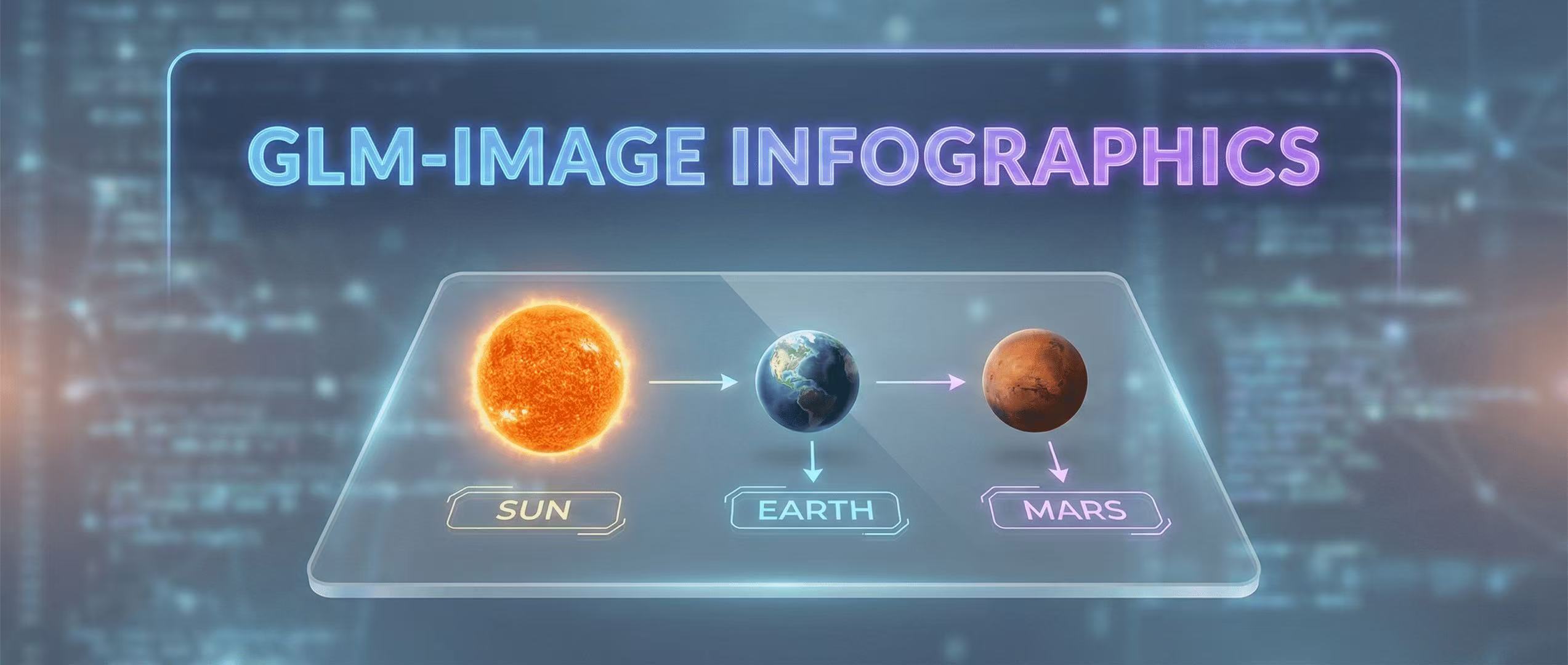
Educational Infographics: Visualizing Data with GLM-Image
How to create complex educational visuals that require precise labels and layout logic.
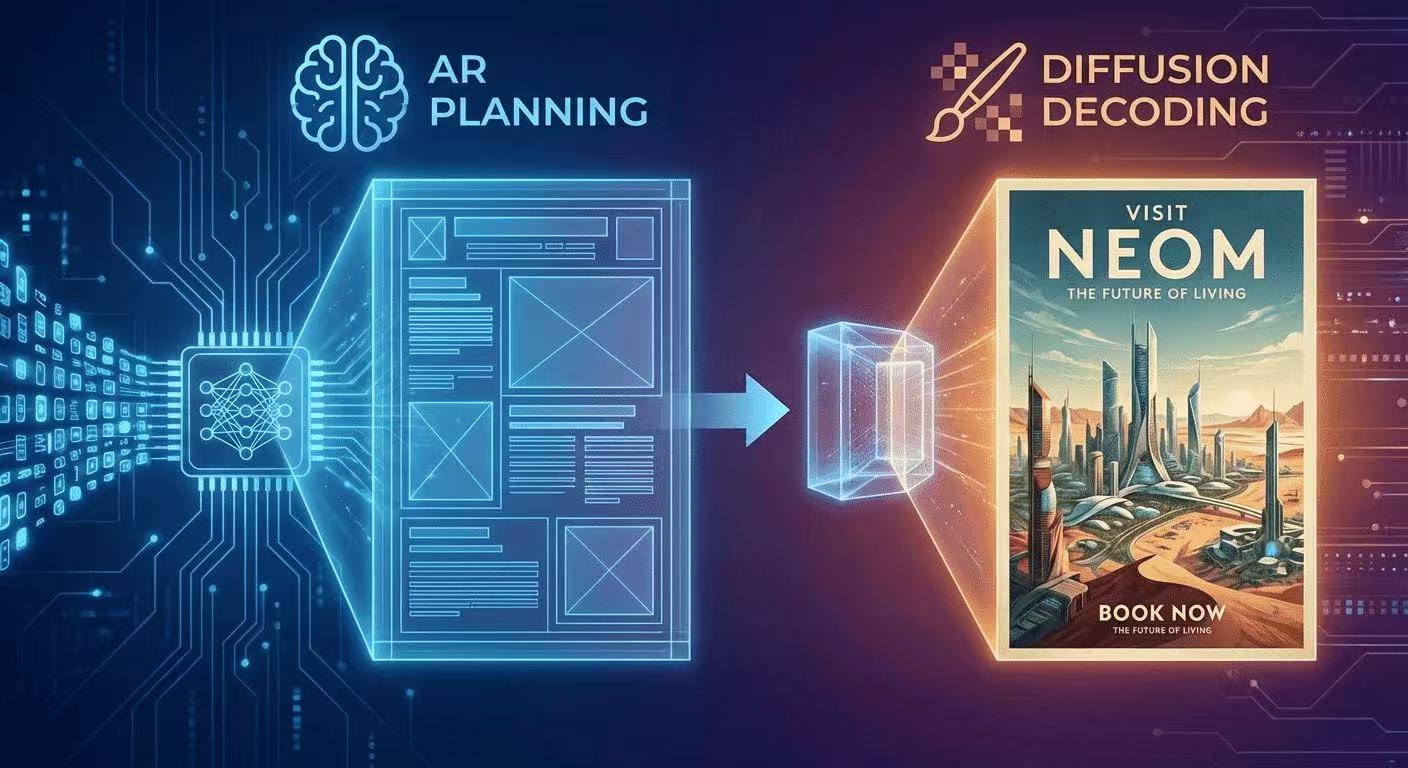
The AR + Diffusion Hybrid Explained (With Diagrams)
GLM-Image uses autoregressive planning for layout + diffusion decoding for pixel fidelity. Here's the intuition, diagrams, and what it means for text rendering.
Benchmark Replication: CVTG-2K-Style Cases + Downloadable Prompts
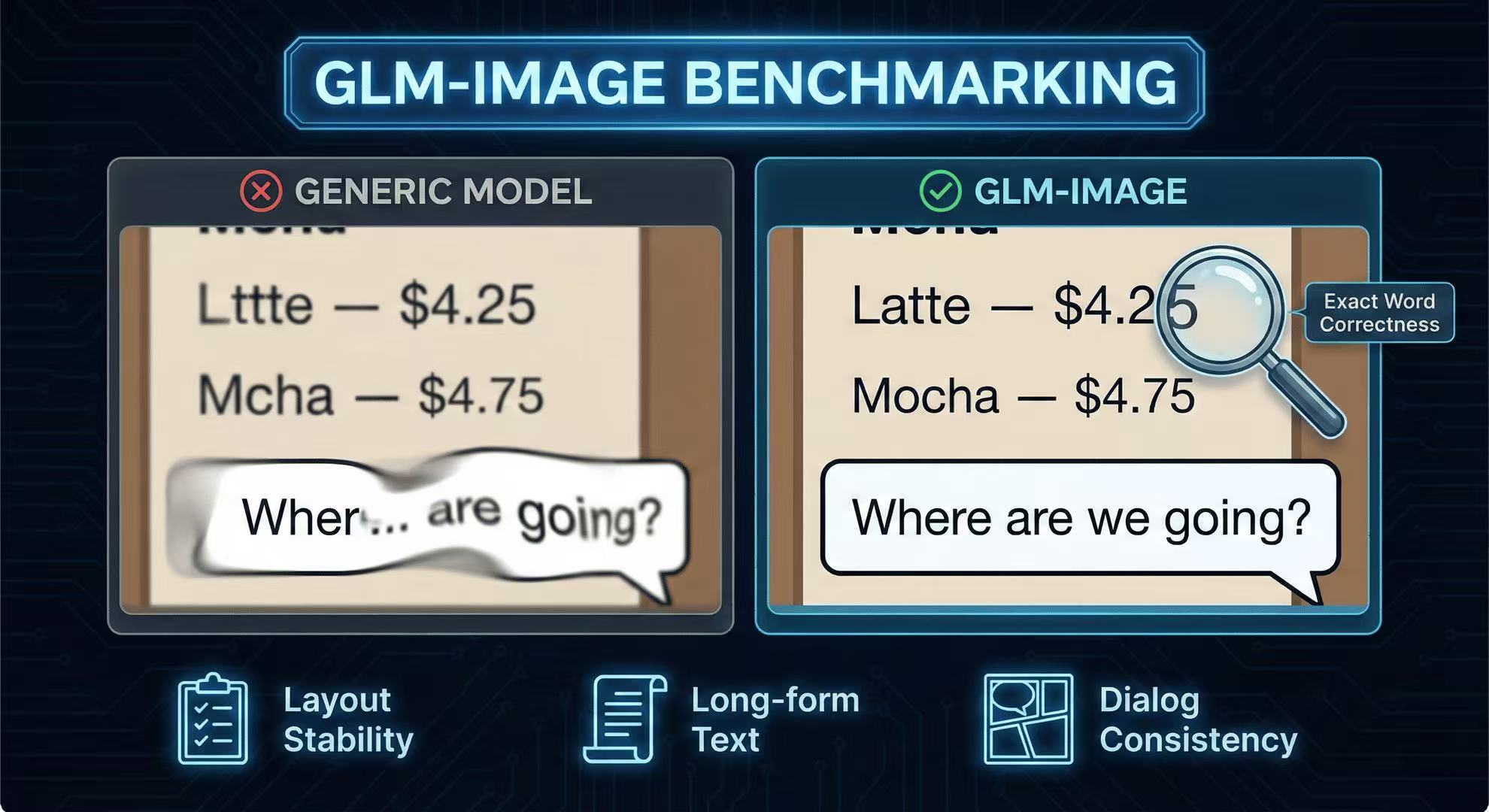
Recreate the key “text-in-image” tests (CVTG-2K style) with prompts you can copy, run, and compare across models.