Diffusers Pipeline Walkthrough + Speed/VRAM Notes
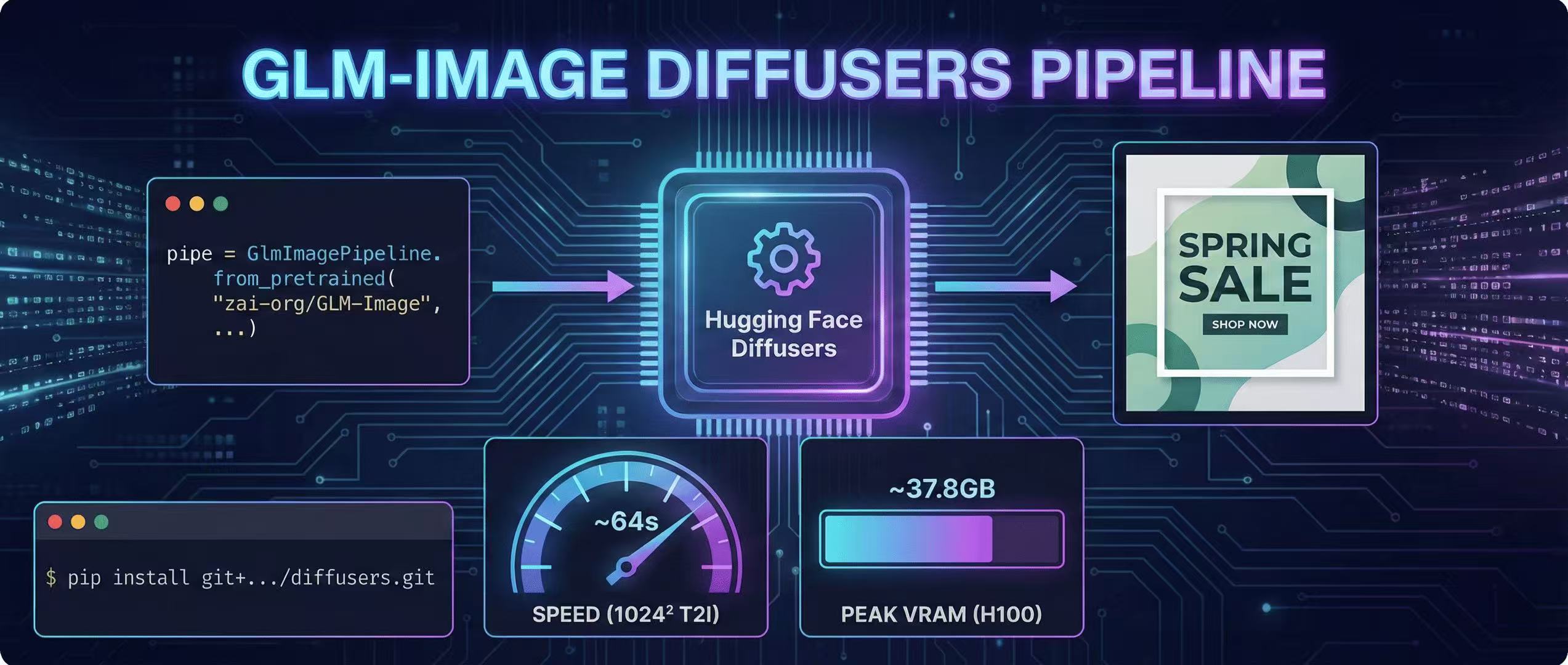
A step-by-step GLM-Image guide using Hugging Face Diffusers, including install, code, and real VRAM/time estimates.
Install (use source builds)
The official docs recommend installing Transformers + Diffusers from source for GLM-Image. (GitHub)
pip install git+https://github.com/huggingface/transformers.git
pip install git+https://github.com/huggingface/diffusers.git
Minimal text-to-image code
import torch
from diffusers.pipelines.glm_image import GlmImagePipeline

pipe = GlmImagePipeline.from_pretrained(
    "zai-org/GLM-Image",
    torch_dtype=torch.bfloat16,
    device_map="cuda",
)

prompt = 'A modern poster with the headline "SPRING SALE" and the CTA "SHOP NOW".'
img = pipe(
    prompt=prompt,
    width=1024,
    height=1024,
    num_inference_steps=50,
    guidance_scale=1.5,
    generator=torch.Generator(device="cuda").manual_seed(42),
).images[0]

img.save("glm_image.png")
The pipeline class and call signature are documented in Diffusers. (Hugging Face)
Important defaults (don't "over-fix" randomness)
Diffusers notes the AR part uses sampling defaults (e.g., do_sample=True + temperature), and recommends not forcing deterministic decoding because it can cause degenerate outputs. (Hugging Face)
Resolution rules
Target width/height should be divisible by 32, otherwise you'll error. (GitHub)
Speed & VRAM reality check (H100 reference)
The GLM-Image repo includes measured end-to-end time + peak VRAM on a single H100 (Diffusers). (GitHub)
Examples:
- 1024×1024, batch 1 (T2I): ~64s, ~37.8GB VRAM (GitHub)
- 512×512, batch 1 (T2I): ~27s, ~34.3GB VRAM (GitHub)
They also note inference optimization is still limited and may require very large VRAM for practical use. (GitHub)
Practical settings for most people
- Start at 512 or 768
- Use guidance_scale ~ 1.5–4.0 (fal.ai suggests this range for balance) (Fal.ai)
- Keep poster text blocks short and structured
More Posts
ComfyUI Status Tracker: When Native Support Lands
Track GLM-Image support in ComfyUI—where to watch, what “native support” means, and stopgap workflows until it lands.

Z.ai API Quick Start + Parameter Cheatsheet
Generating images via GLM-Image using the official Z.ai API—includes curl and Python examples, sizing rules, quality modes, and best practices.
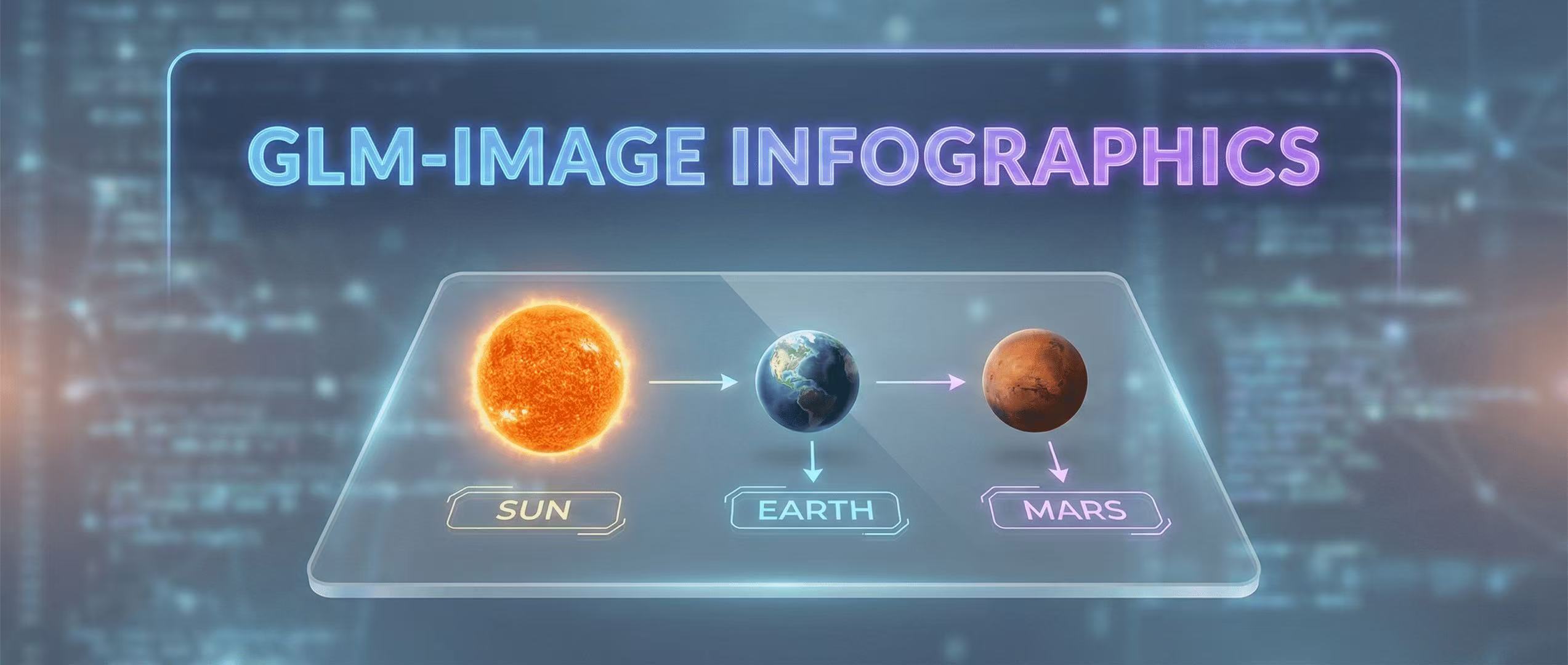
Educational Infographics: Visualizing Data with GLM-Image
How to create complex educational visuals that require precise labels and layout logic.