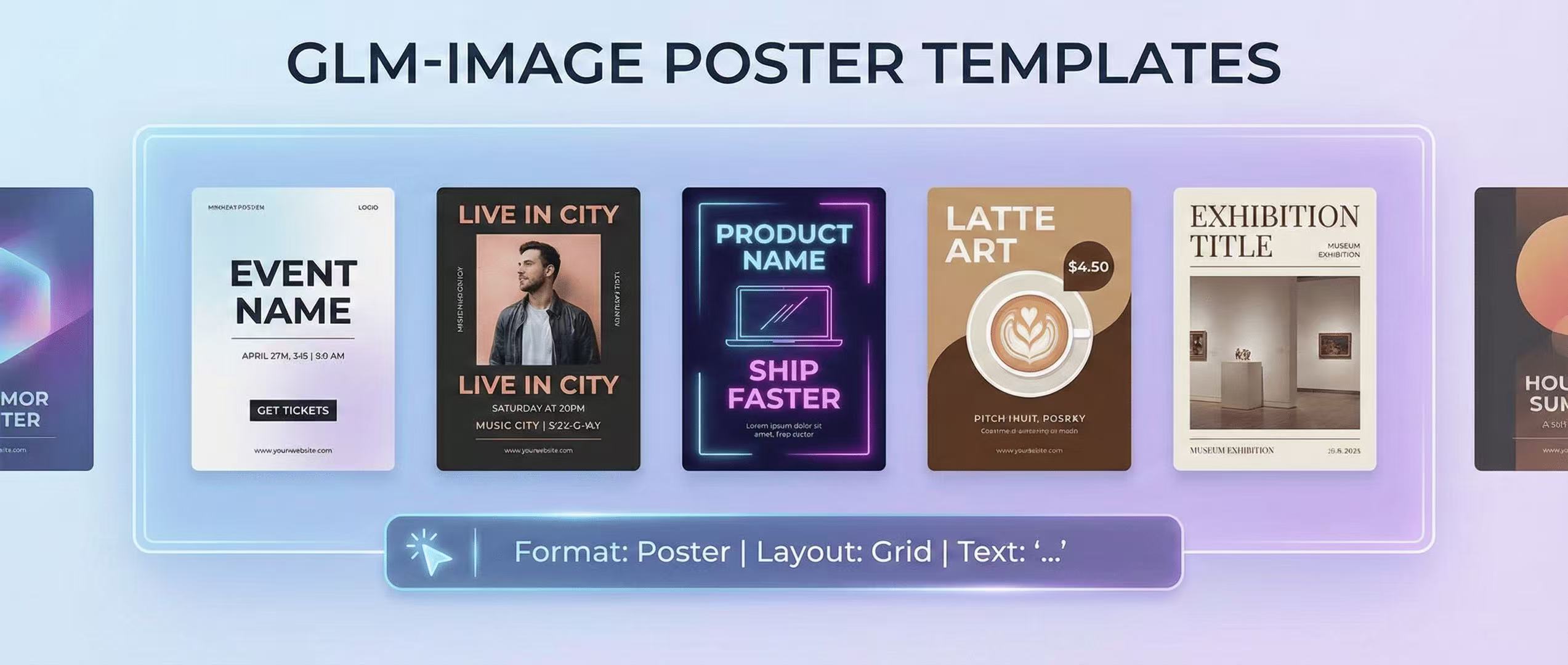
GLM-Image for Posters: 10 Prompt Templates That Actually Render Text
A practical prompt library for poster design with legible typography using GLM-Image—layout recipes, font controls, and 10 copy-paste templates.
Most image models are great at vibes, weak at typography. GLM-Image is built specifically to improve text accuracy inside images using a hybrid autoregressive + diffusion approach and a dedicated Glyph Encoder. (GitHub)
Before you start: GLM-Image's own docs strongly recommend wrapping any text you want rendered in quotation marks. (GitHub)
The poster prompt formula (copy this every time)
Use this structure:
- Format & purpose (poster, flyer, ad, cover)
- Layout grid (top headline / hero image / body copy / CTA / footer)
- Typography spec (font family vibe, weight, tracking, casing)
- Exact text in quotes (what must be readable)
- Printing realism (paper texture, halftone, CMYK vibe, bleed margin)
- Negative constraints (no typos, no gibberish, clean kerning)
Typography control cheat codes
- "bold sans-serif headline, high contrast, tight kerning"
- "small caps subheading, generous letter spacing"
- "clean left alignment, consistent baseline"
- "minimalist grid, plenty of whitespace"
10 poster prompt templates (copy/paste)
Replace the brackets.
1. Event Poster (minimalist)
Modern minimalist event poster, Swiss grid layout, white background with subtle paper texture. Top headline in bold sans-serif: "[EVENT NAME]". Subheadline: "[DATE] • [CITY]". Center: abstract geometric shape in [COLOR]. Bottom CTA: "GET TICKETS". Clean kerning, crisp letterforms, no typos.
2. Music Gig (photo-heavy)
Concert poster with a cinematic portrait photo as background (soft grain). Overlay text with strong readability: headline "[ARTIST NAME]", supporting line "LIVE IN [CITY]", date "[DATE]", venue "[VENUE]". Use bold condensed sans-serif, high contrast drop shadow, perfect spelling.
3. Startup Launch (tech)
Product launch poster, futuristic UI aesthetic, dark background, neon accents. Headline: "[PRODUCT NAME]". Subheading: "Ship faster with AI". Feature bullets: "[FEATURE 1]", "[FEATURE 2]", "[FEATURE 3]". CTA button text: "Try it free". Clean alignment and consistent font sizes.
4. Coffee Shop Promo
Cozy cafe poster, warm lighting, textured paper, illustration of latte art. Big title: "[COFFEE NAME]". Price: "$[X.XX]". Offer line: "Buy 1 Get 1 50% Off". Footer: "[ADDRESS]" and "Open [HOURS]". Friendly rounded sans-serif, readable.
5. Fitness Class
Bold fitness poster, high-energy composition, diagonal shapes. Headline: "HIIT BOOTCAMP". Time: "[DAY] [TIME]". Location: "[STUDIO NAME]". CTA: "Book Now". Use impactful bold type, perfect letter spacing.
6. Museum Exhibition
Elegant museum poster, lots of whitespace, serif headline. Title: "[EXHIBITION TITLE]". Dates: "[DATE RANGE]". Venue: "[MUSEUM NAME]". Subtext: "Tickets available online". Museum-grade typographic hierarchy.
7. Restaurant Special (seasonal)
Food poster with hero dish photo. Headline: "[SEASONAL SPECIAL]". Subtitle: "Limited time". Price: "$[X]". CTA: "Reserve a table". No text distortion, crisp numerals.
8. Conference (schedule teaser)
Conference poster with mini agenda block. Title: "[CONF NAME]". Date/location: "[DATE] • [CITY]". Mini schedule: "09:00 Keynote", "11:00 Panel", "14:00 Workshops". CTA: "Register". Use clean grid and consistent leading.
9. App Feature Drop
Product announcement poster with app screenshot mock. Headline: "New: [FEATURE NAME]". Sub: "Faster workflows. Fewer clicks.". CTA: "Update now". Keep all UI text readable and aligned.
10. Holiday Sale
Retail sale poster, bold pricing. Headline: "[HOLIDAY] SALE". Discount: "UP TO [XX]% OFF". Dates: "[START–END]". CTA: "Shop Now". Strong hierarchy, no misspellings.
Troubleshooting (fast fixes)
- Text looks wrong → shorten lines and add "clean kerning, no typos"; keep fewer words per block.
- Layout collapses → explicitly describe zones: "top header / center image / bottom footer bar".
- Too artsy → reduce guidance, more whitespace language.
Author
Categories
More Posts
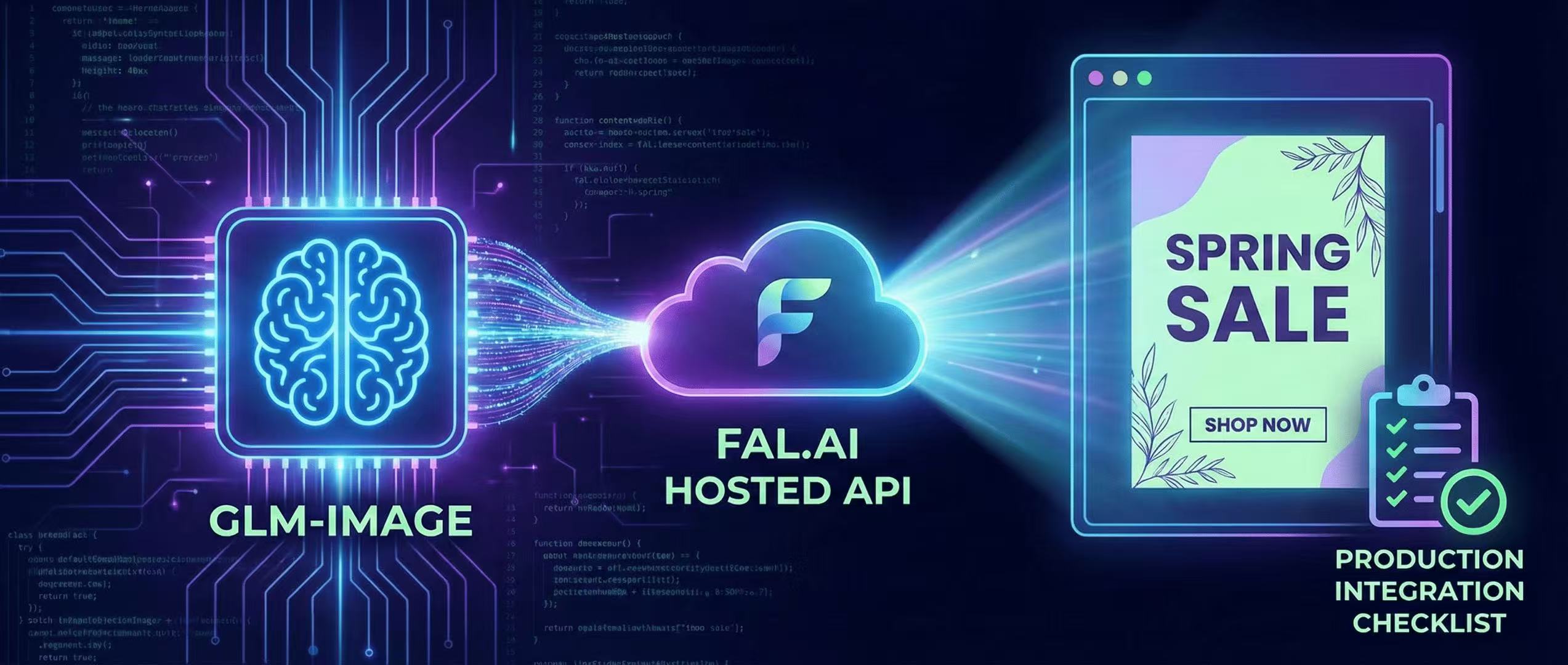
fal.ai Hosted GLM-Image: Production Integration Checklist
Deploy GLM-Image without managing GPUs—fal.ai API examples, latency considerations, and a production checklist.
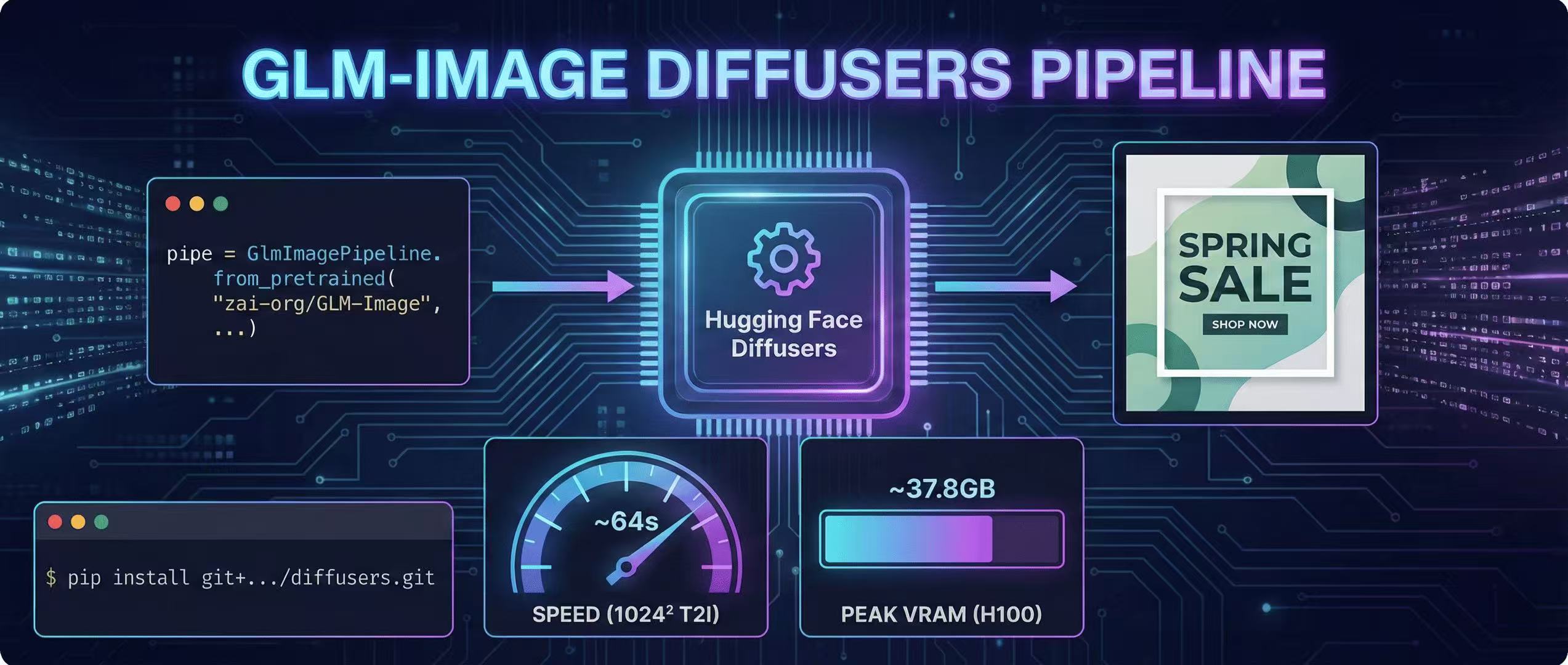
Diffusers Pipeline Walkthrough + Speed/VRAM Notes
A step-by-step GLM-Image guide using Hugging Face Diffusers, including install, code, and real VRAM/time estimates.
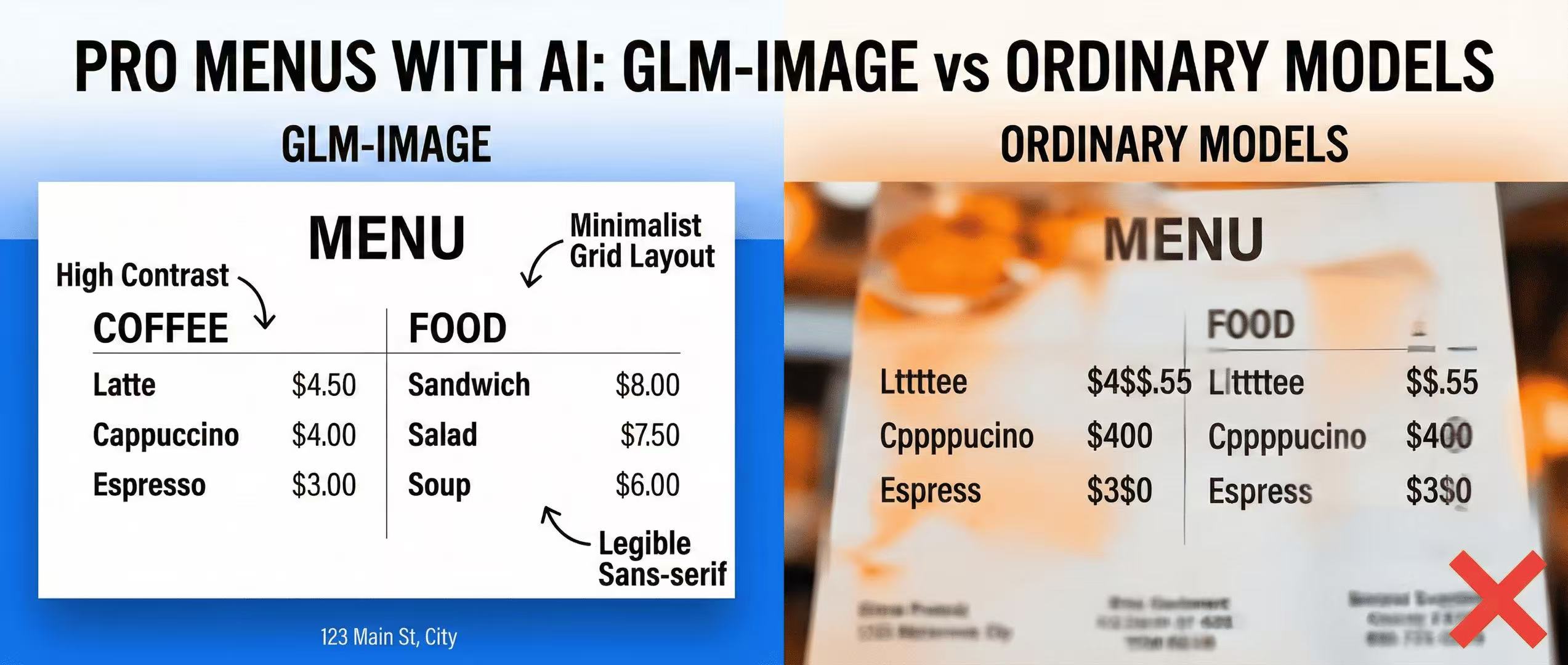
Prompting for Professional Menus: GLM-Image vs Ordinary Models
Creating legible, high-contrast menus for restaurants and cafes using GLM-Image's text layout capabilities.