2026/01/24
How to Run GLM-Image Locally with Diffusers: A Step-by-Step Guide
Everything you need to set up GLM-Image on your own hardware using the Diffusers library. VRAM requirements and optimization tips.
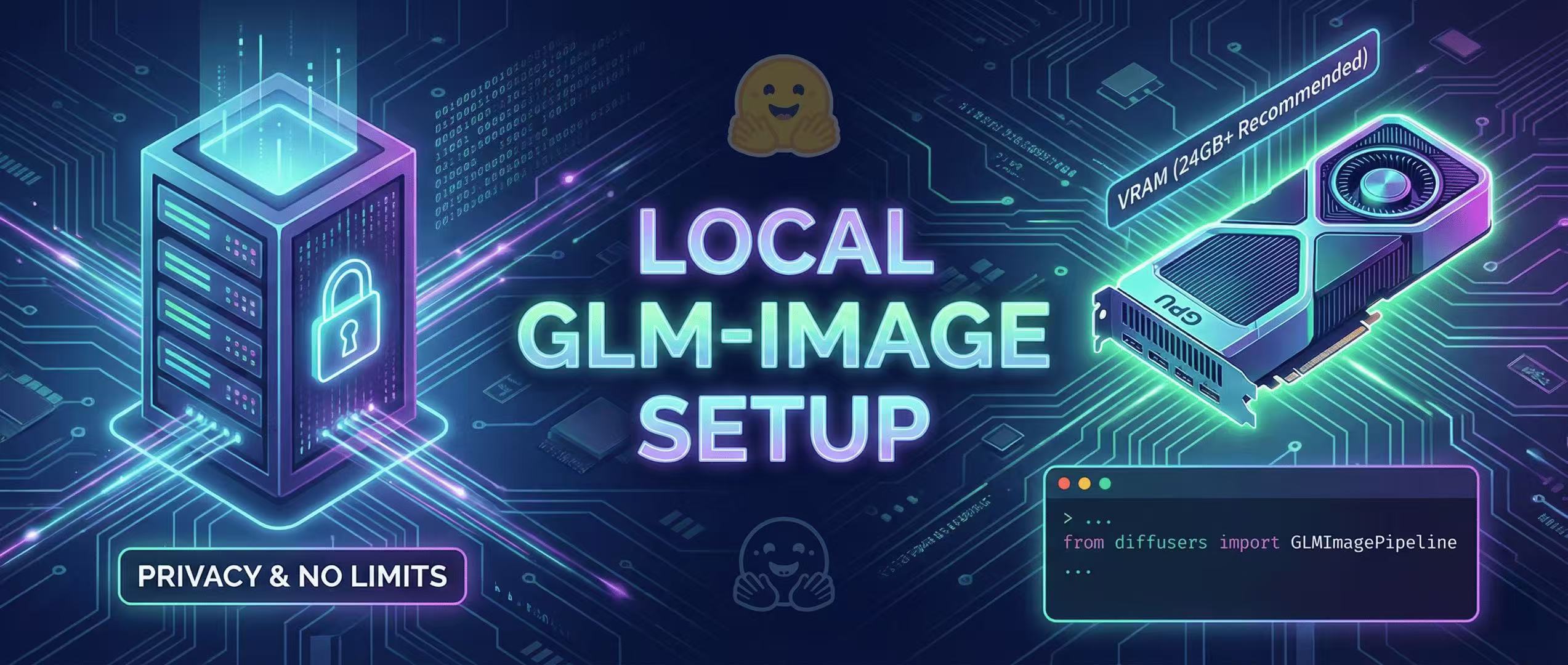
Running GLM-Image locally gives you ultimate privacy and no generation limits. Here is how to set it up.
VRAM Requirements
- Recommended: 24GB (RTX 3090/4090)
- Minimum: 16GB (with quantization)
Setup Steps
- Install
diffusers,transformers, andaccelerate. - Download the weights from Hugging Face or Z.ai.
- Use
torch.float16to save memory.
from diffusers import GLMImagePipeline
pipe = GLMImagePipeline.from_pretrained("z.ai/glm-image-v1")
Performance Tips
Enable CPU offloading if you are tight on VRAM.
More Posts
ComfyUI Status Tracker: When Native Support Lands
Track GLM-Image support in ComfyUI—where to watch, what “native support” means, and stopgap workflows until it lands.


Mastering the AR Stage: 5 Tips for Complex Poster Layouts
How to use spatial prompts to guide the GLM-Image autoregressive planner for professional grade posters.
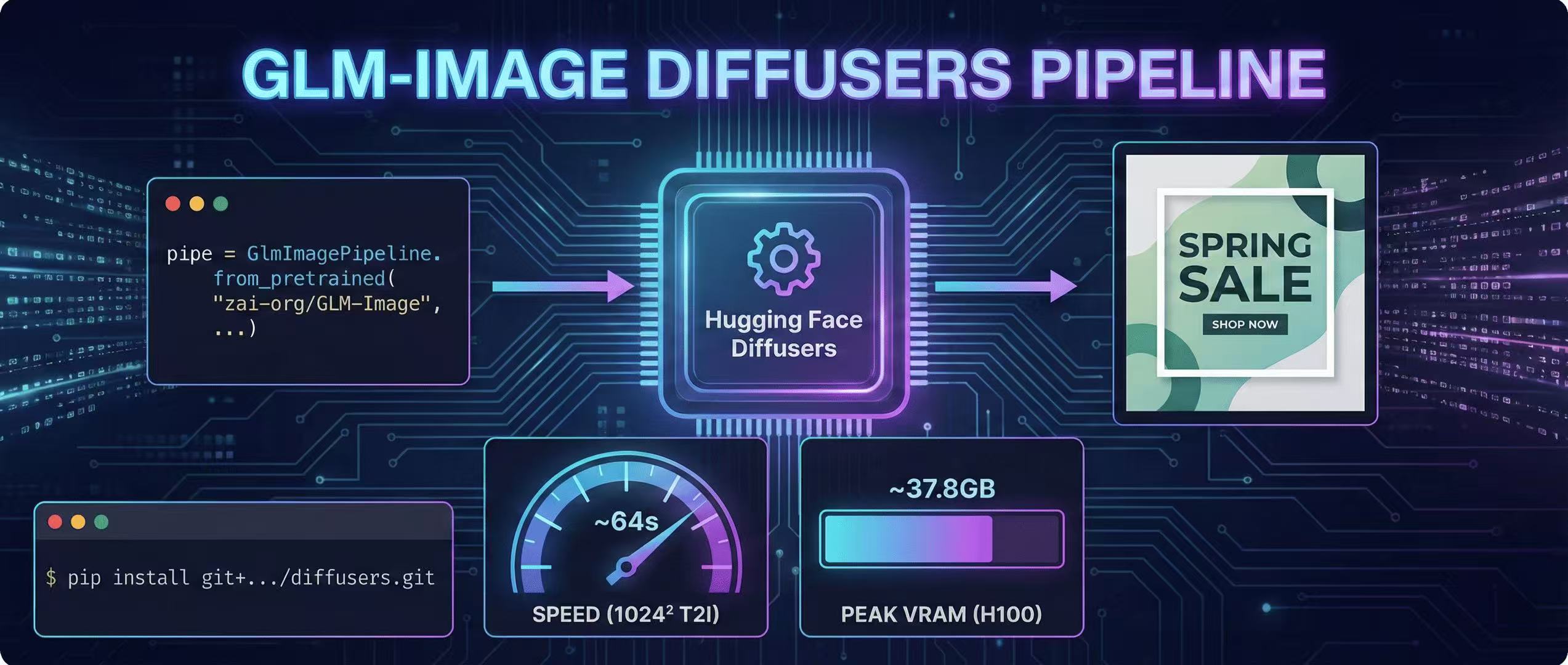
Diffusers Pipeline Walkthrough + Speed/VRAM Notes
A step-by-step GLM-Image guide using Hugging Face Diffusers, including install, code, and real VRAM/time estimates.