Advanced Lighting Techniques
GLMImage.blog•20 min read•Photography
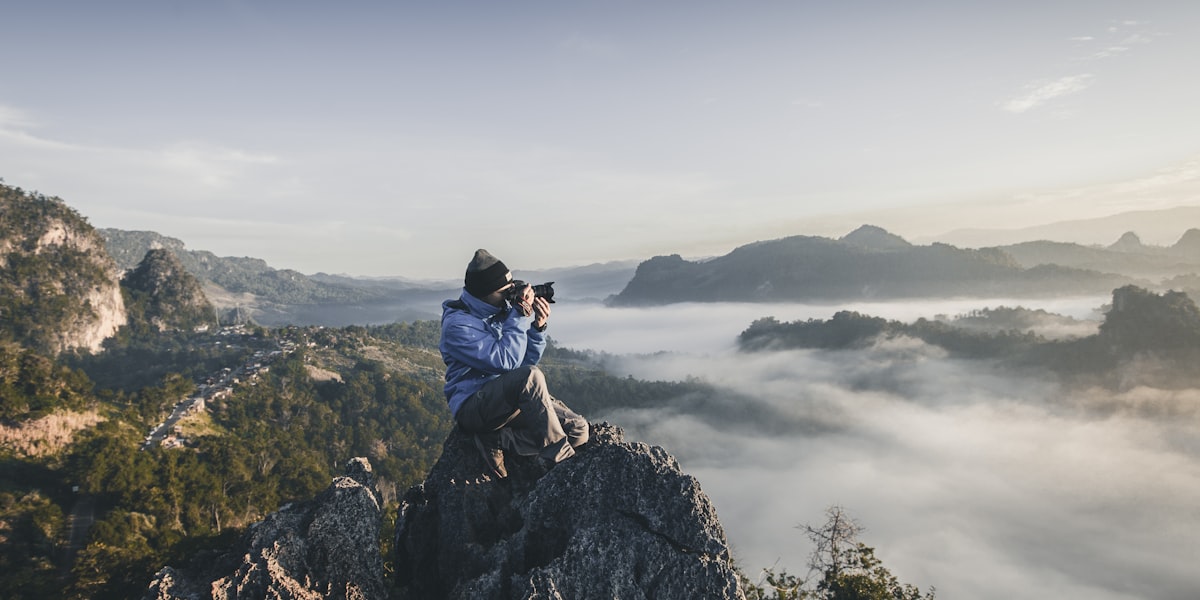
Lighting is the single most important factor in creating photorealistic AI images. Master these techniques to transform flat renders into cinematic masterpieces.
The Three-Point Lighting System
Every professional photographer and cinematographer relies on the three-point lighting setup. Here's how to implement it in GLM-Image:
1. Key Light (主光源)
The key light is your primary light source, creating the main shadows and defining the subject's form.
Copy this prompt:
Subject: Professional portrait of a woman Lighting: Key light from 45-degree angle left, creating dramatic shadows Style: Cinematic, high contrast, studio photography Logic: Light creates triangle highlight on cheek, nose shadow to the right2. Fill Light (补光)
Fill light softens the shadows created by the key light, revealing details without eliminating depth.
Copy this prompt:
Subject: Product shot of premium headphones Lighting: Key light from left at 45°, fill light from right at 30° (50% intensity) Style: Clean product photography, soft shadows Logic: Fill light reduces shadow darkness by 50%, reveals product detailsEnvironmental Lighting
Create realistic environmental lighting that matches your scene's setting and mood.
Copy this prompt:
Subject: Modern living room interior Time: Golden hour, sun low on horizon Lighting: Warm sunlight through window (left), cool ambient fill from room Style: Architectural photography, warm and inviting Logic: Window creates long shadows, ambient light fills dark areasRelated Guides
- Composing Complex Scenes - Learn to build multi-element scenes with proper lighting
- Photorealistic Product Photography - Studio lighting techniques for product renders